
Dies ist eine alte Version des Dokuments!
Inhaltsverzeichnis

Installation & Einrichtung FreeBSD-Server
Test einer Server-Installation
…nach Möglichkeit ohne Container in irgendeiner Form, damit man das ganze Setup in irgendeiner Form auch noch sichern kann…
Docker ist zwar schön und gut, aber der Wust an Volumes und daß man aus einem mühsam zusammengebastelten Setup nachträglich keine YAML erstellen lassen kann ist recht nervig.
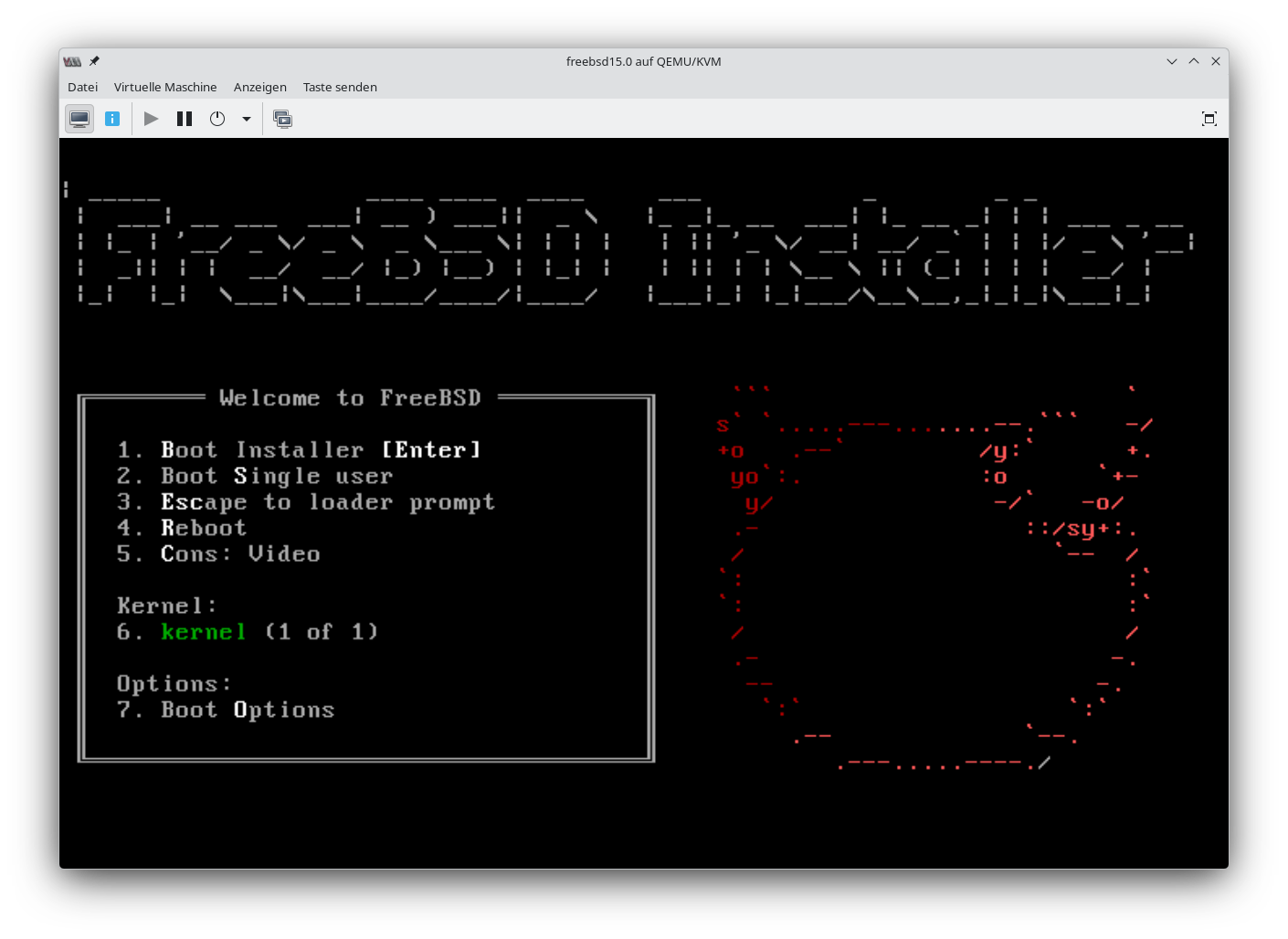
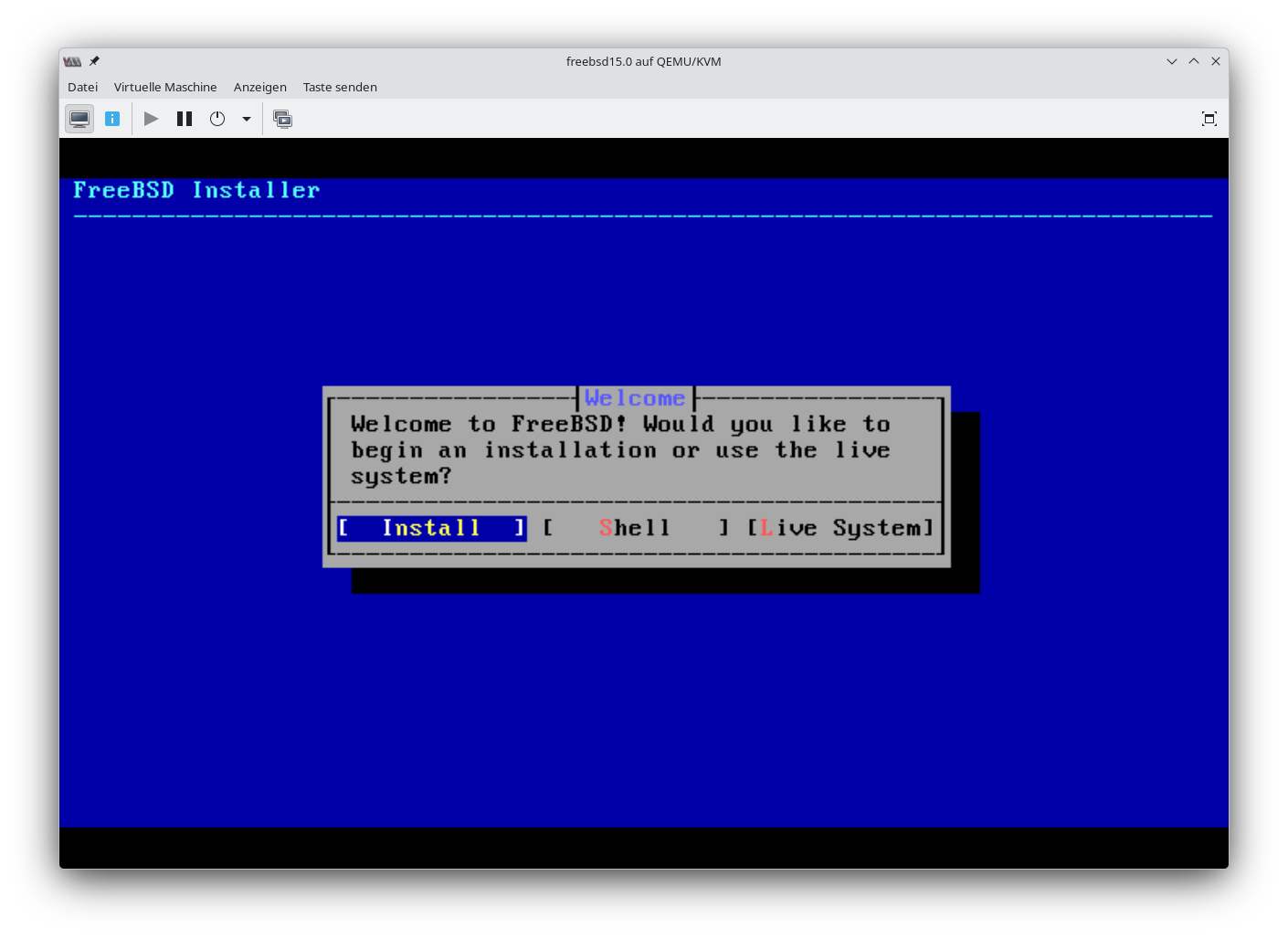
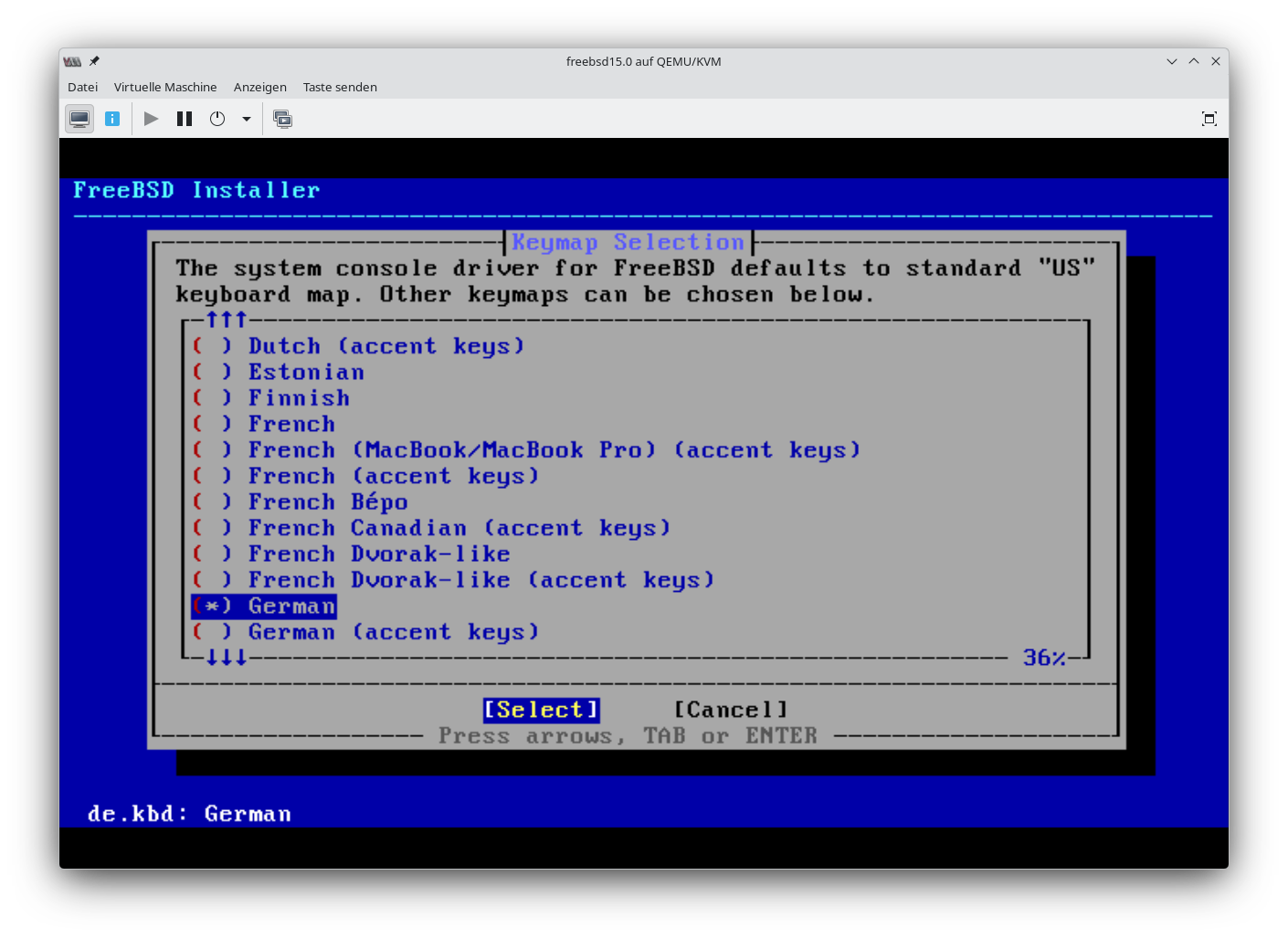
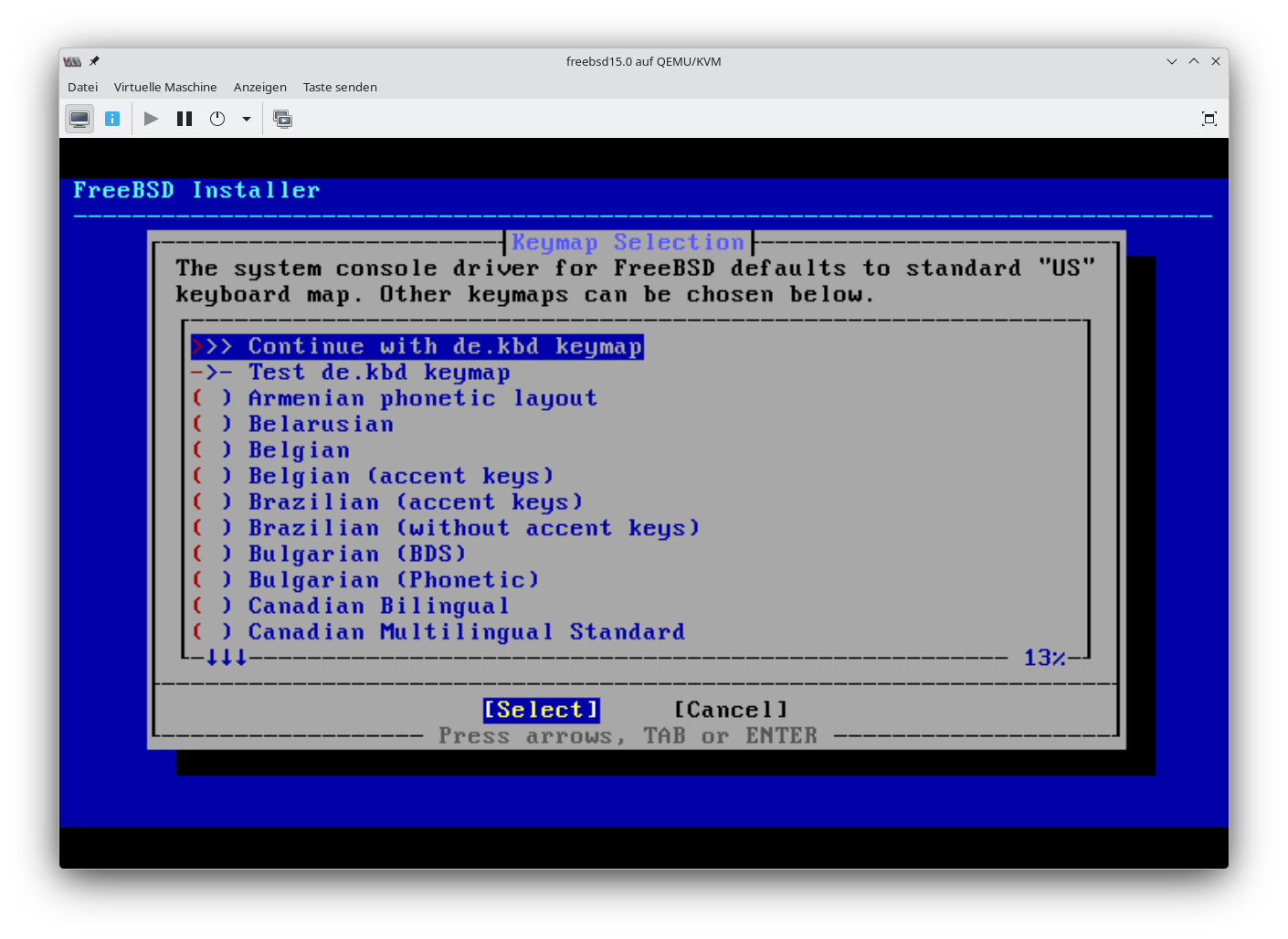
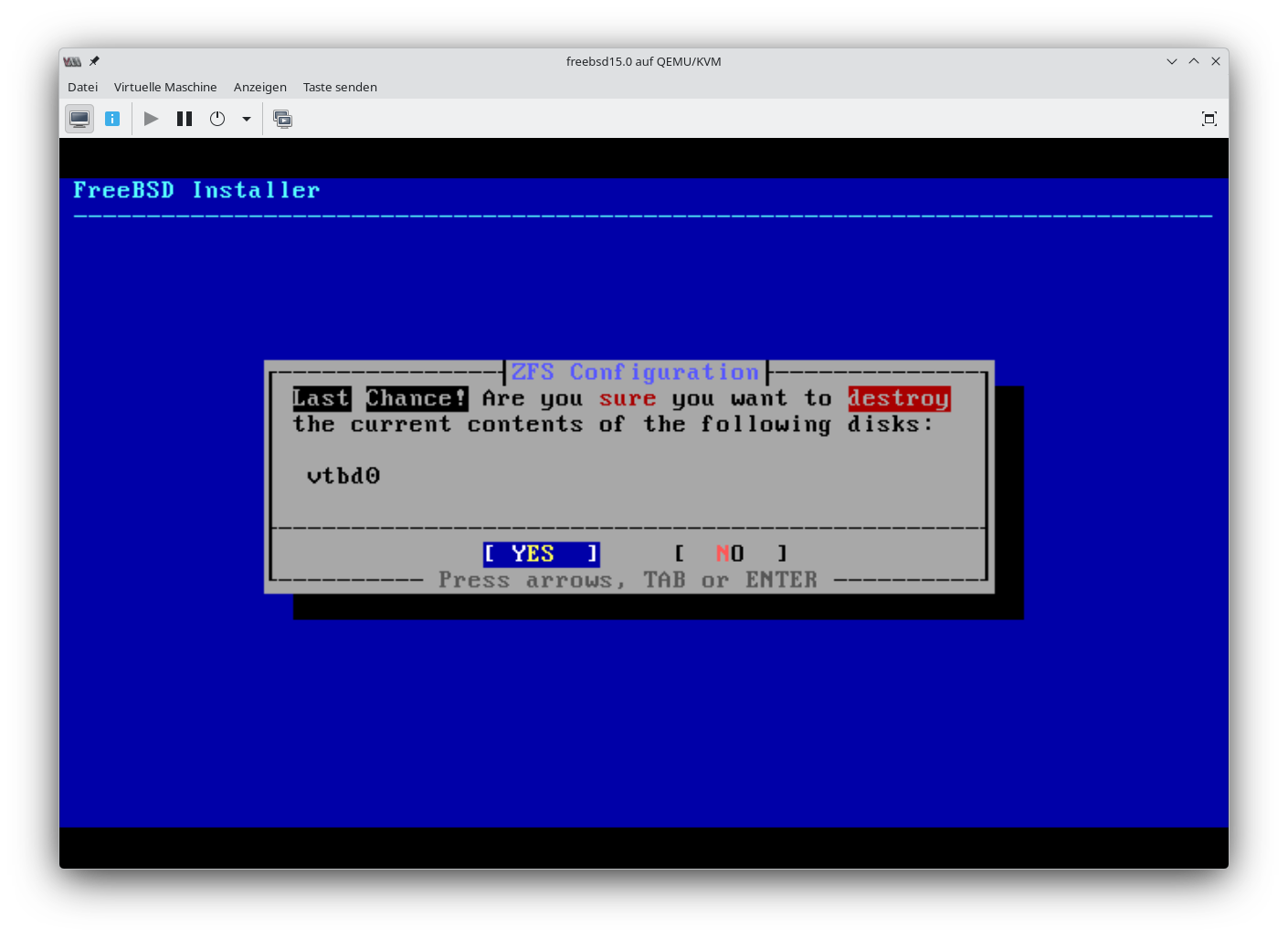
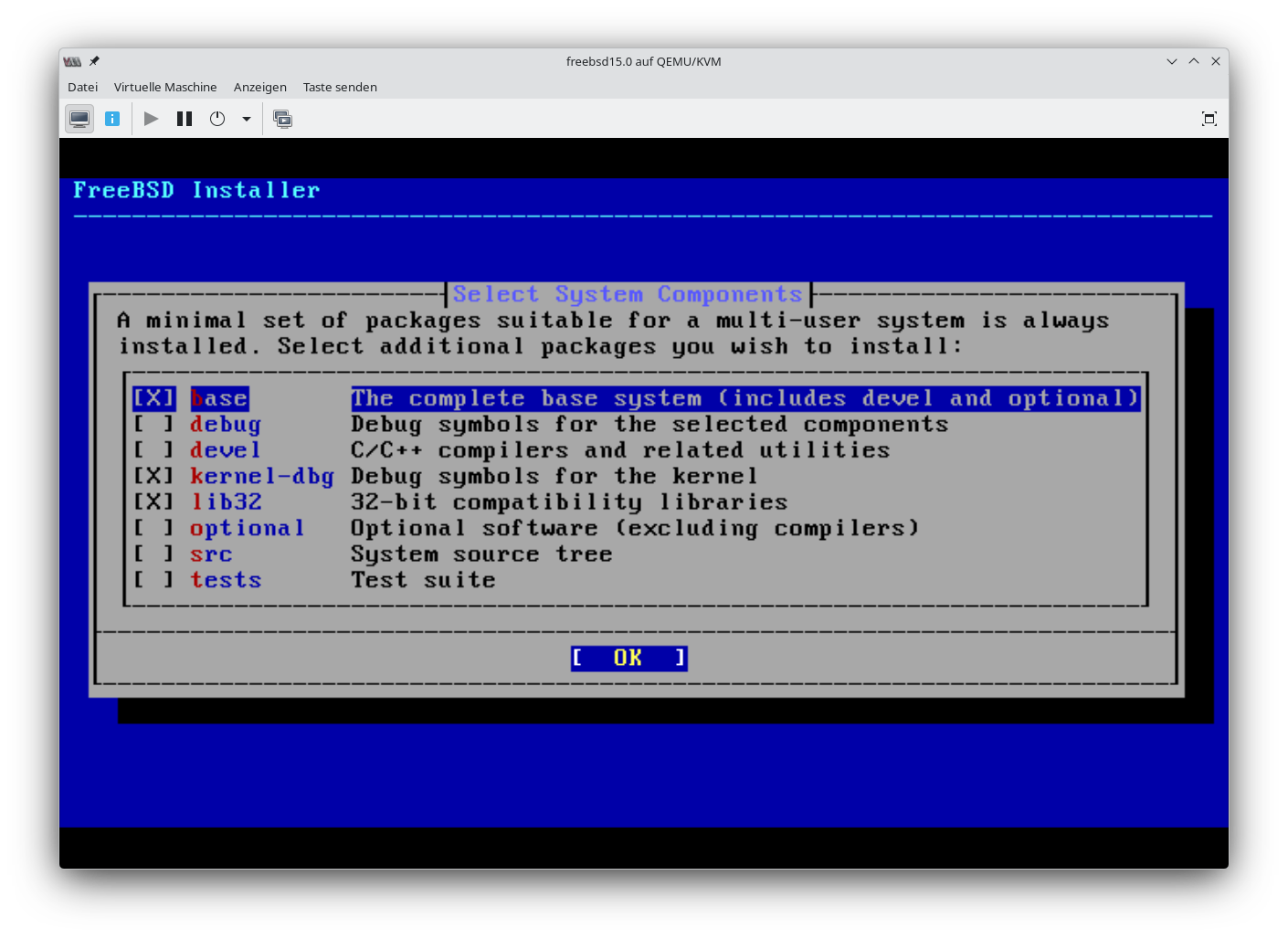
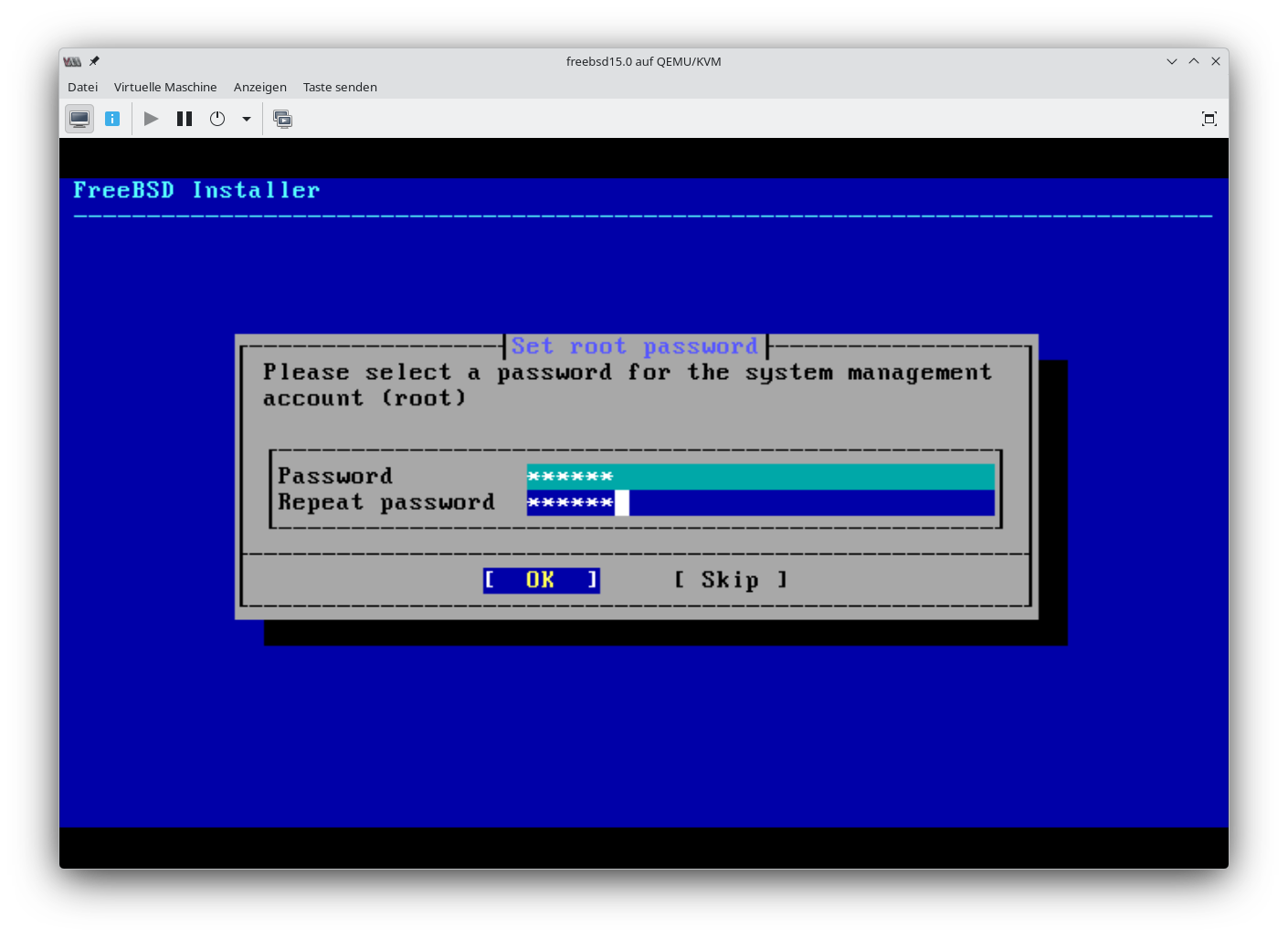
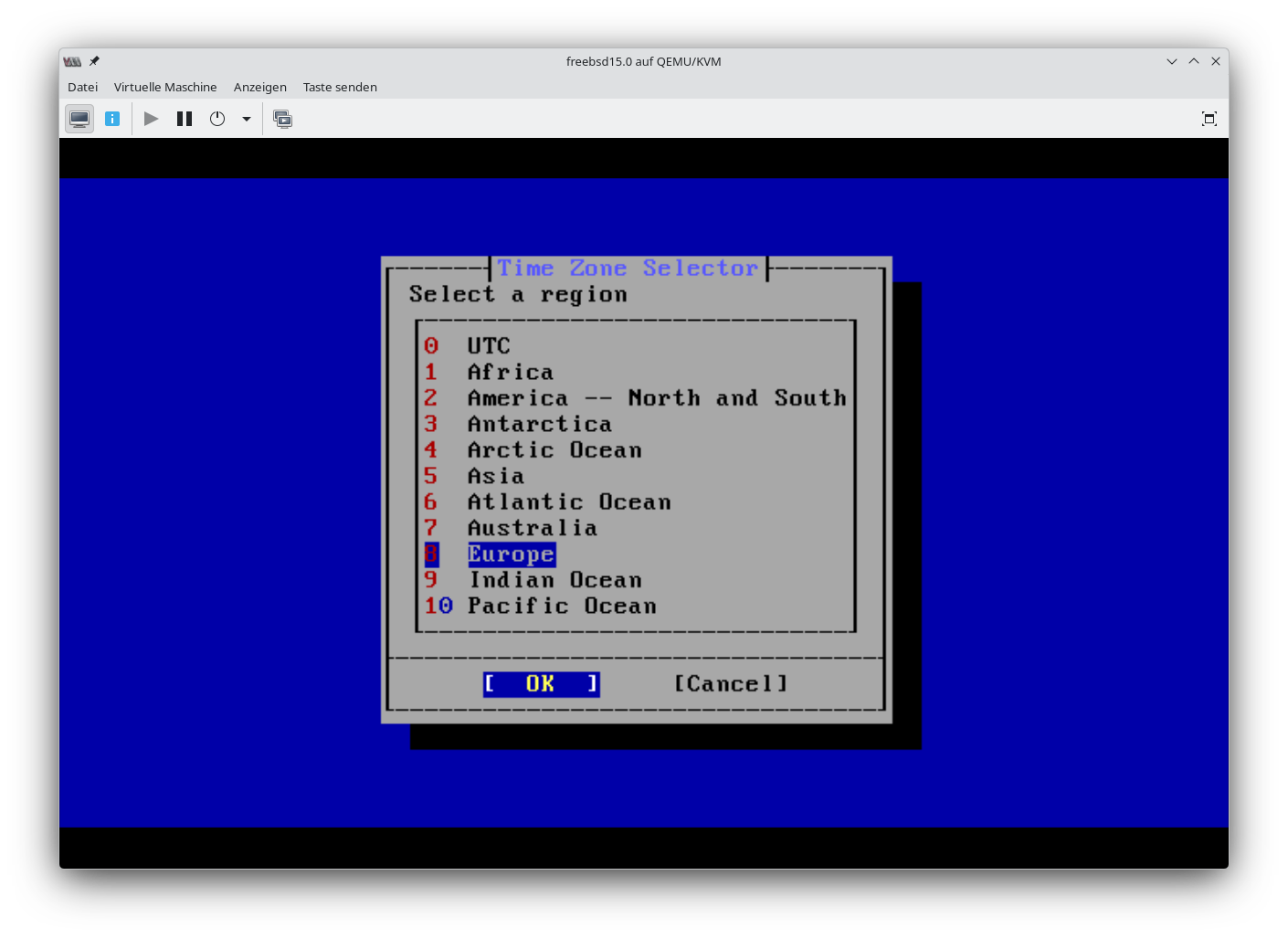
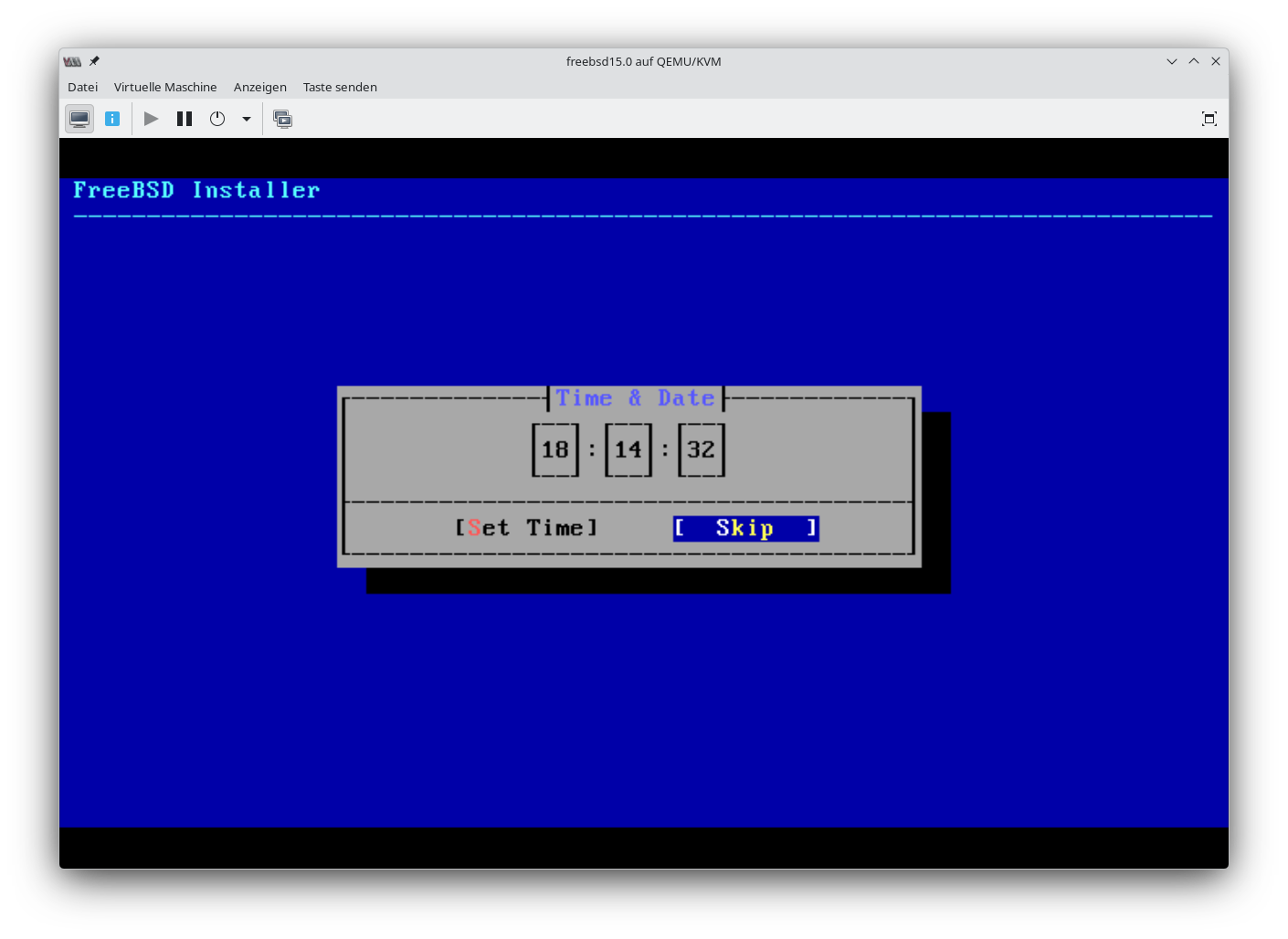
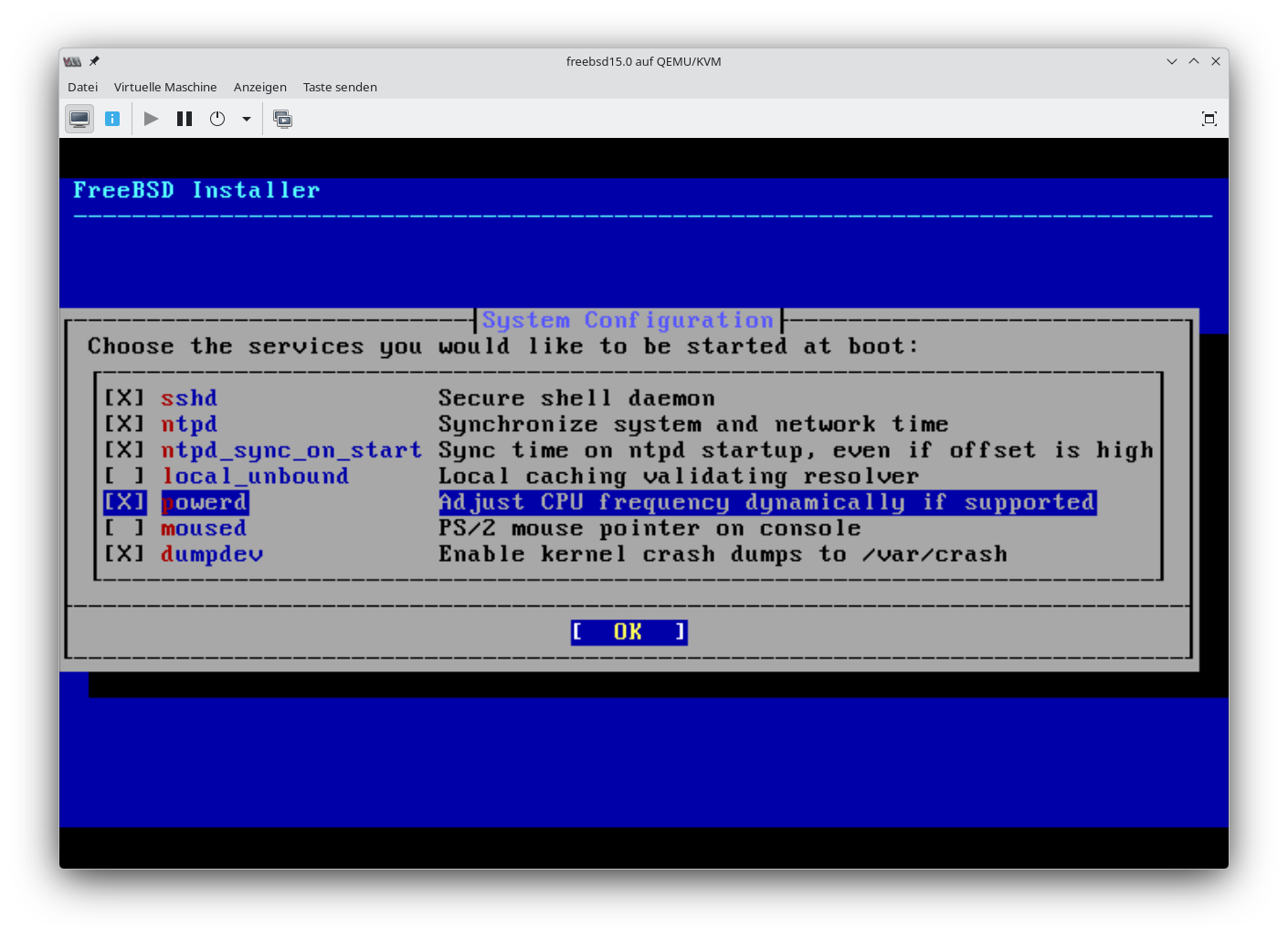
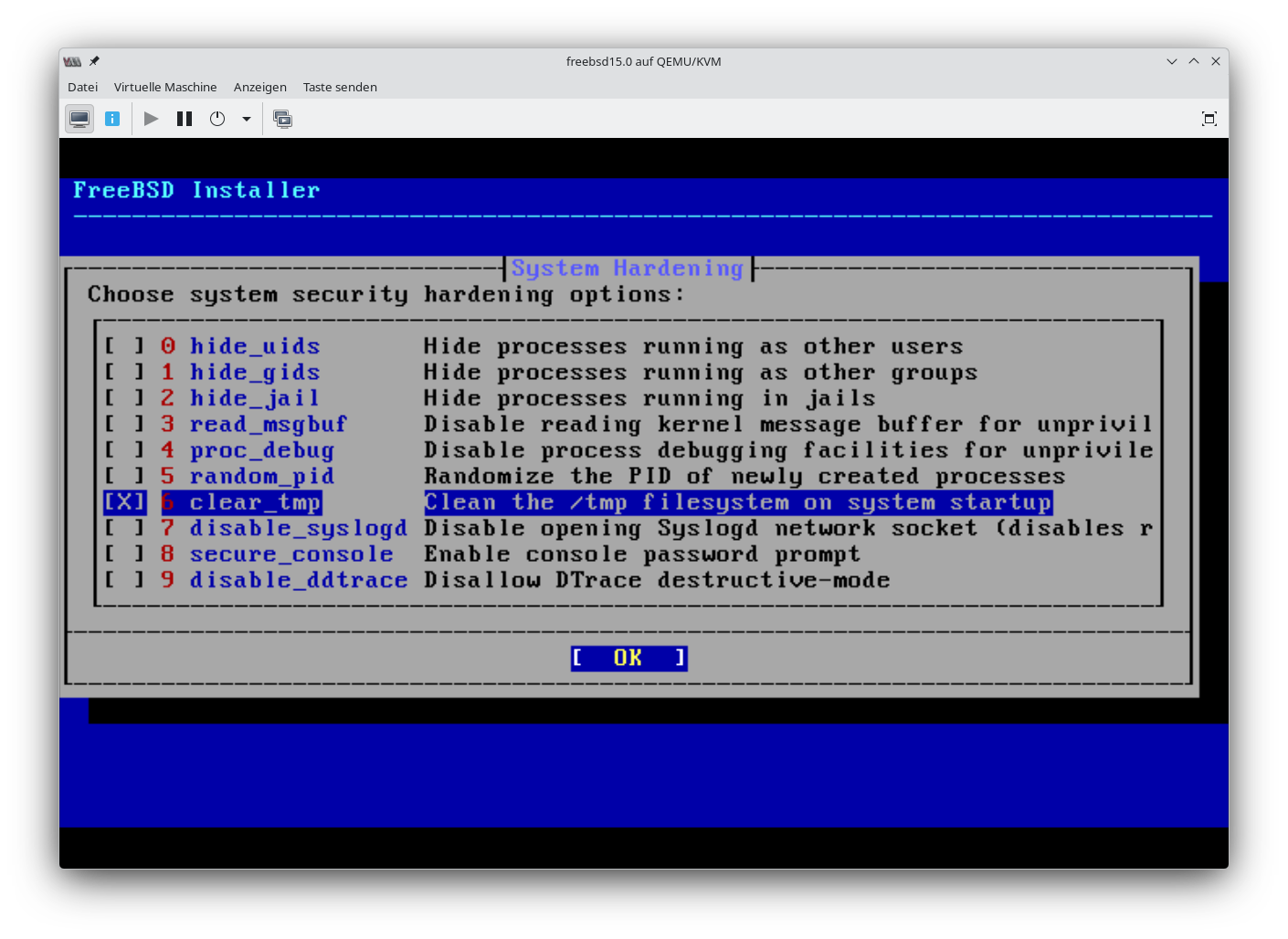
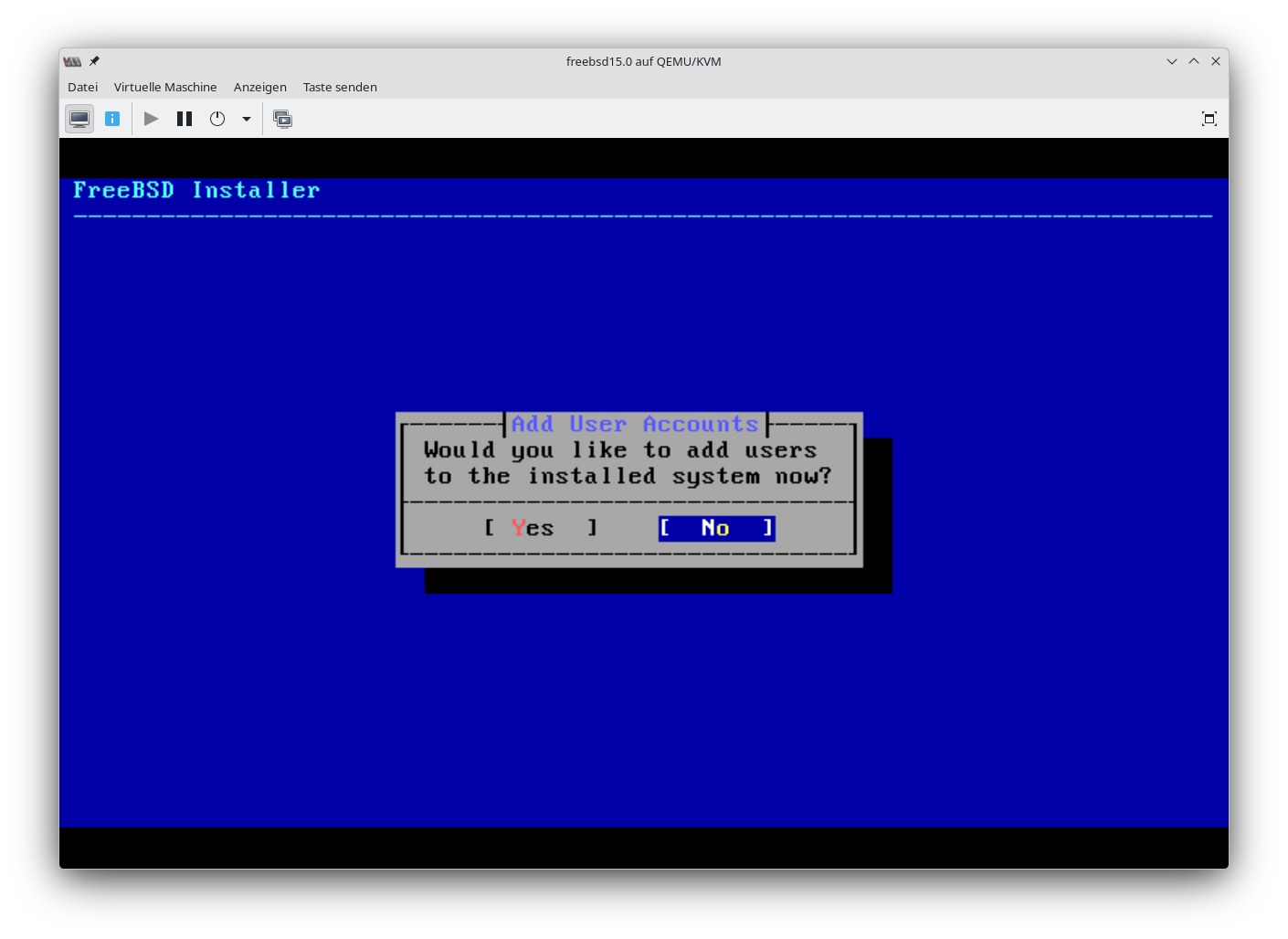
Grundinstallation
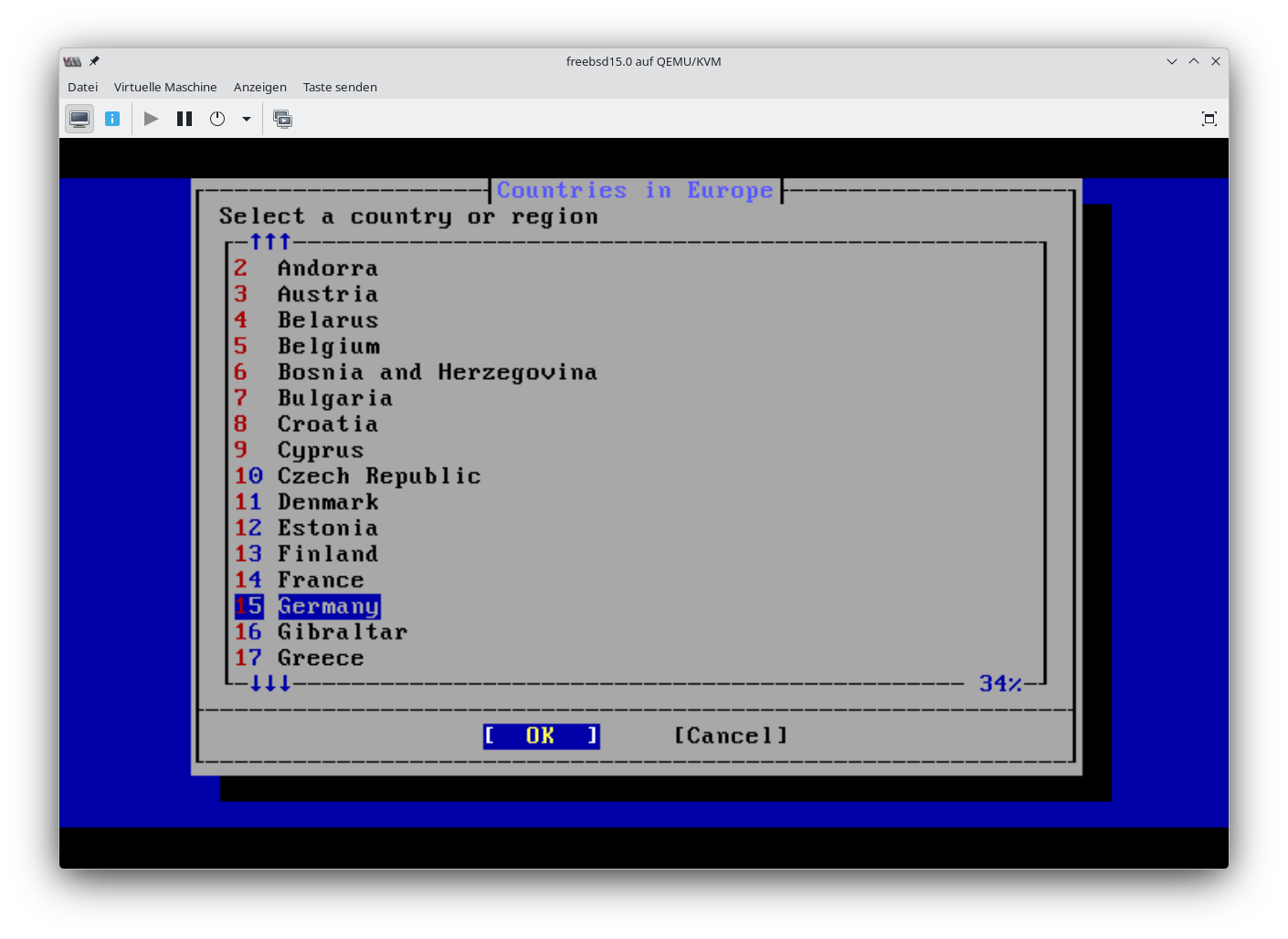
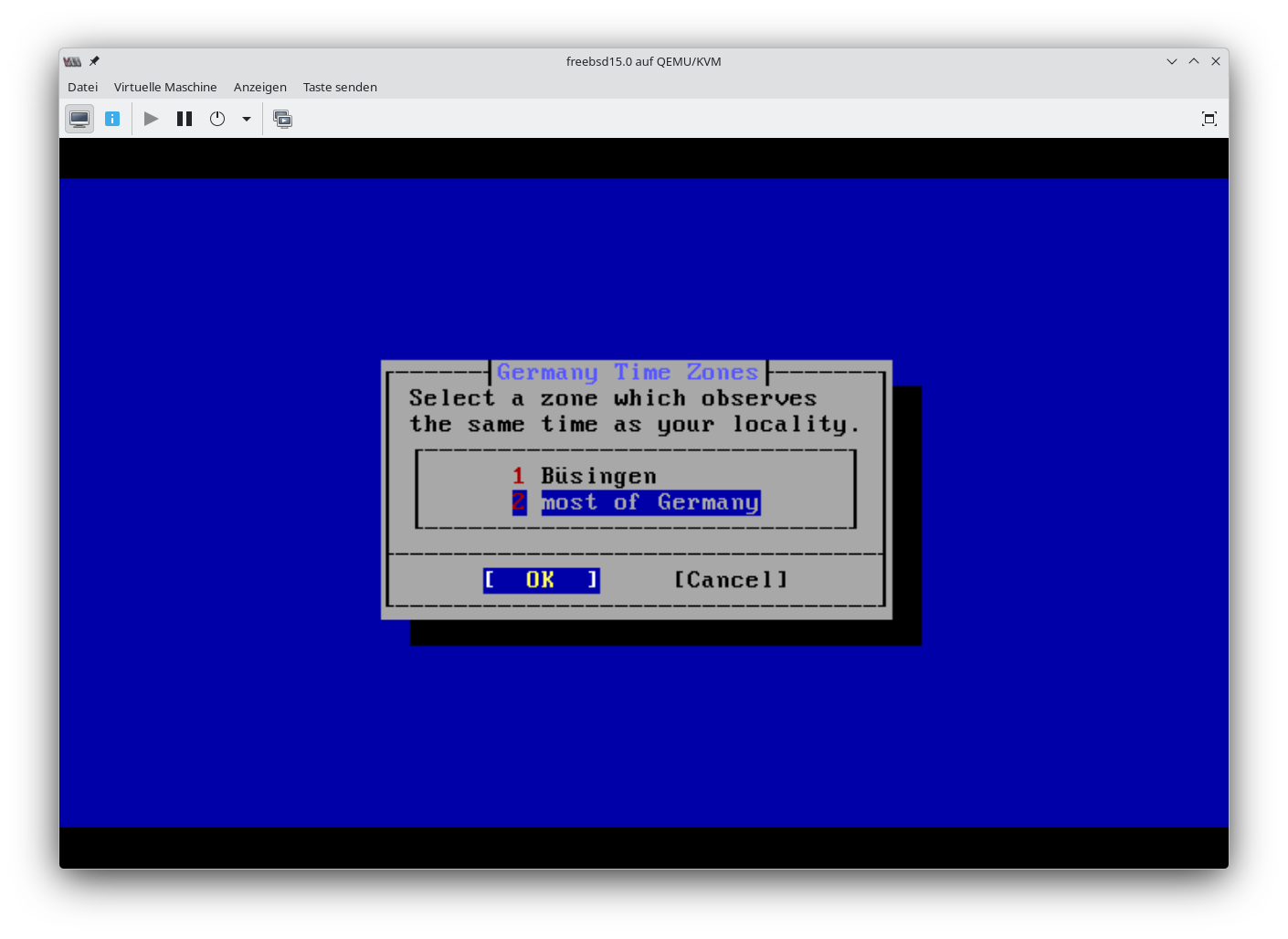
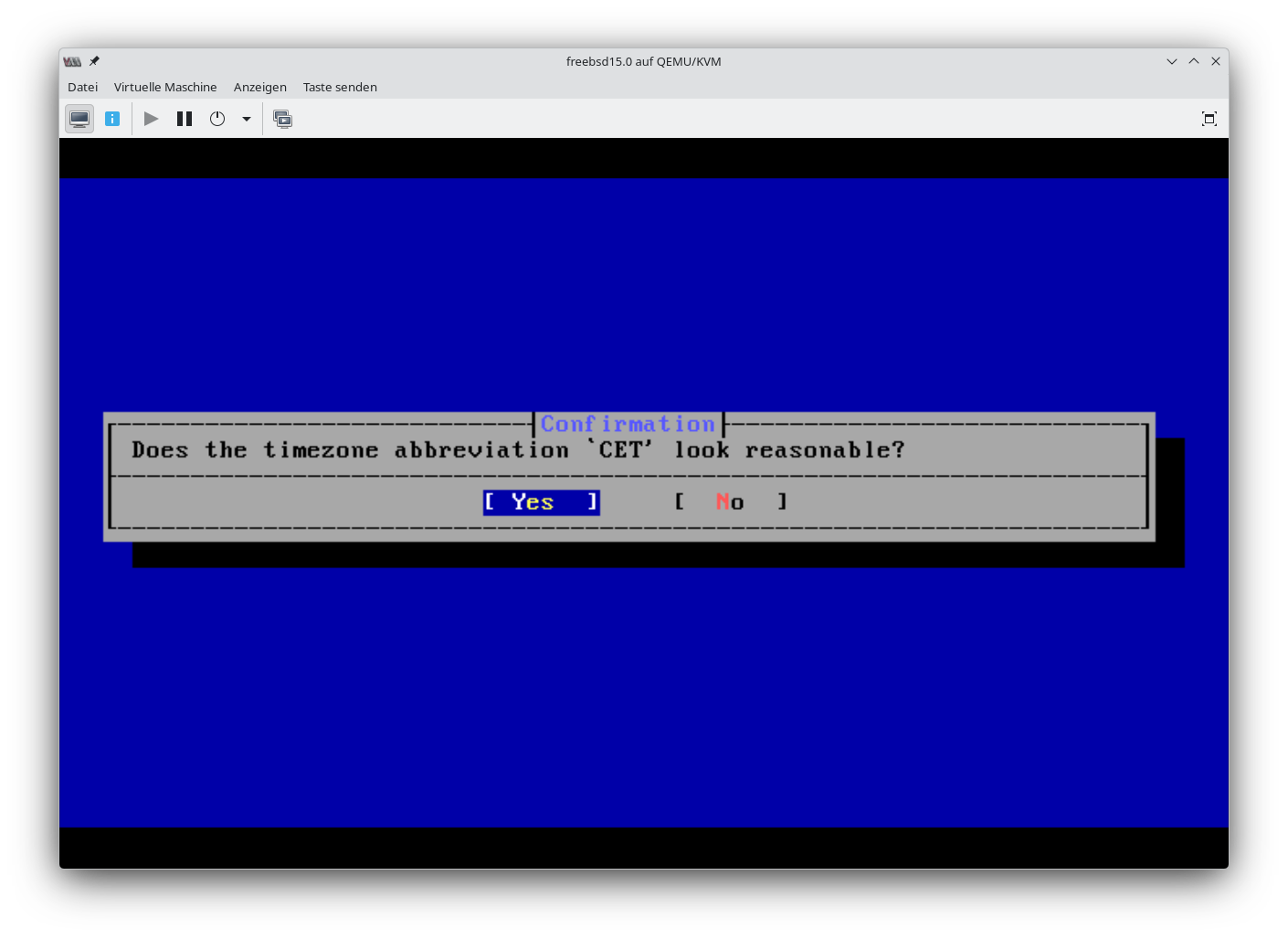
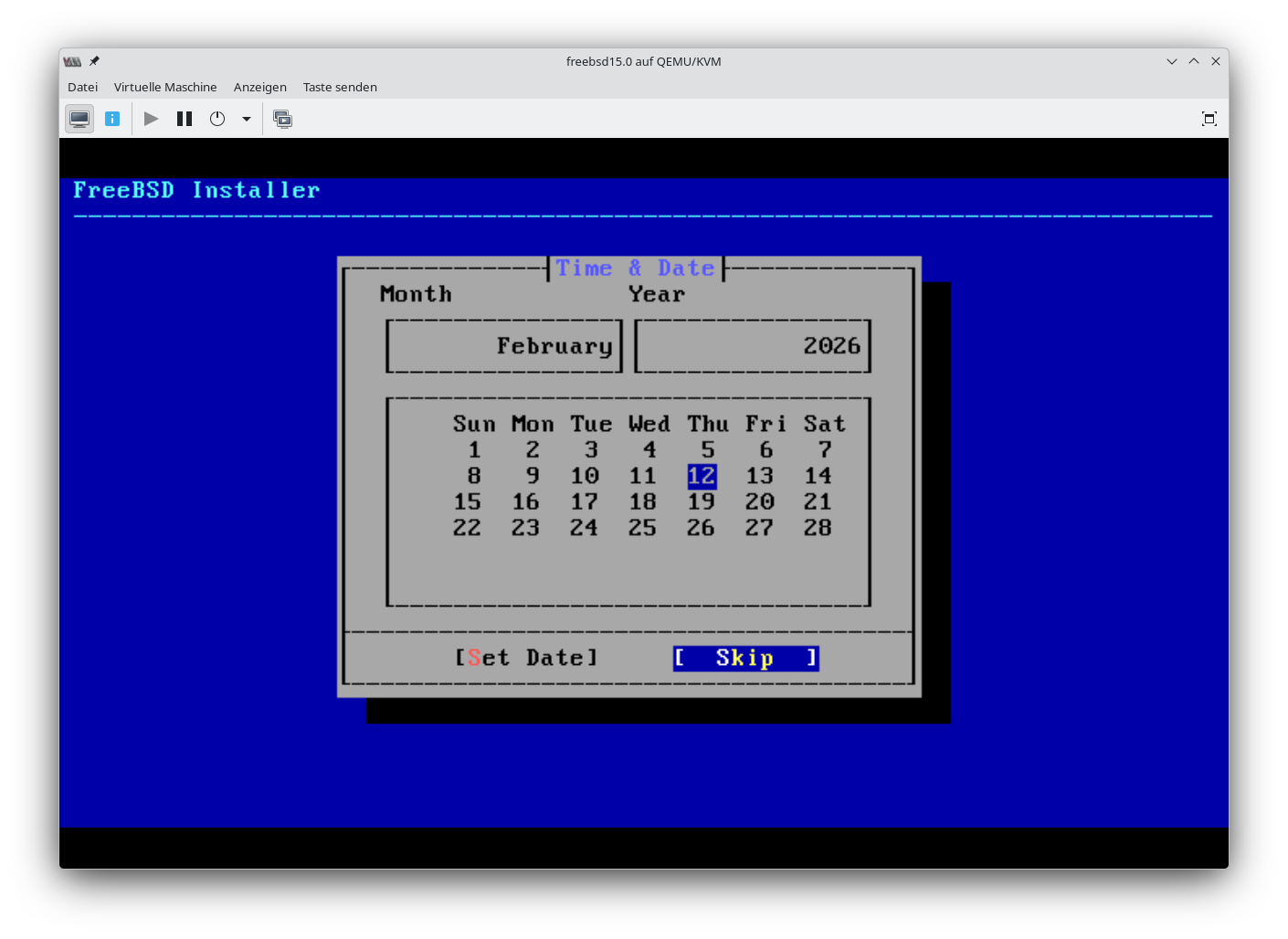
Screenshots der Grundinstallation stammen von einer VM.
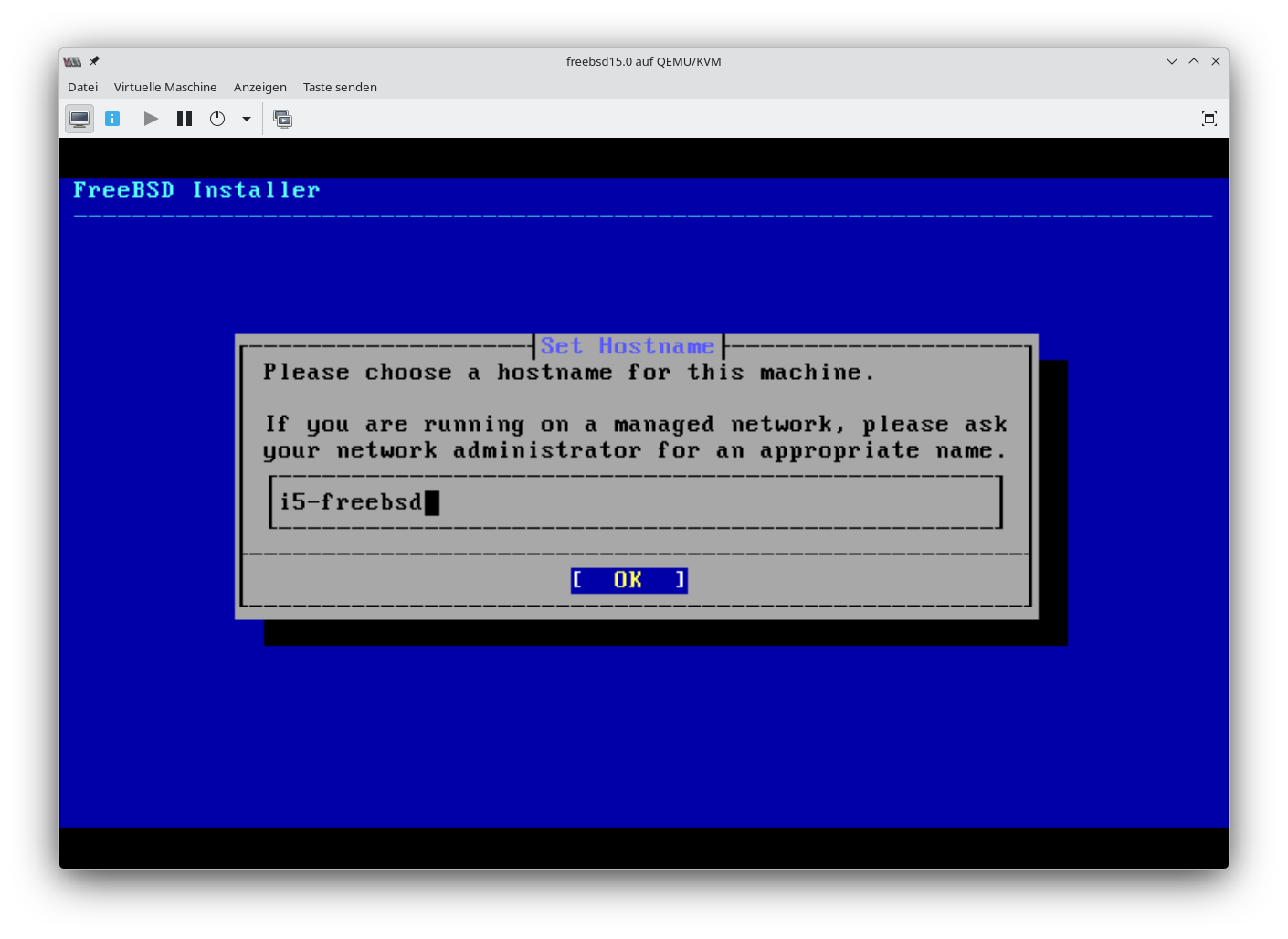
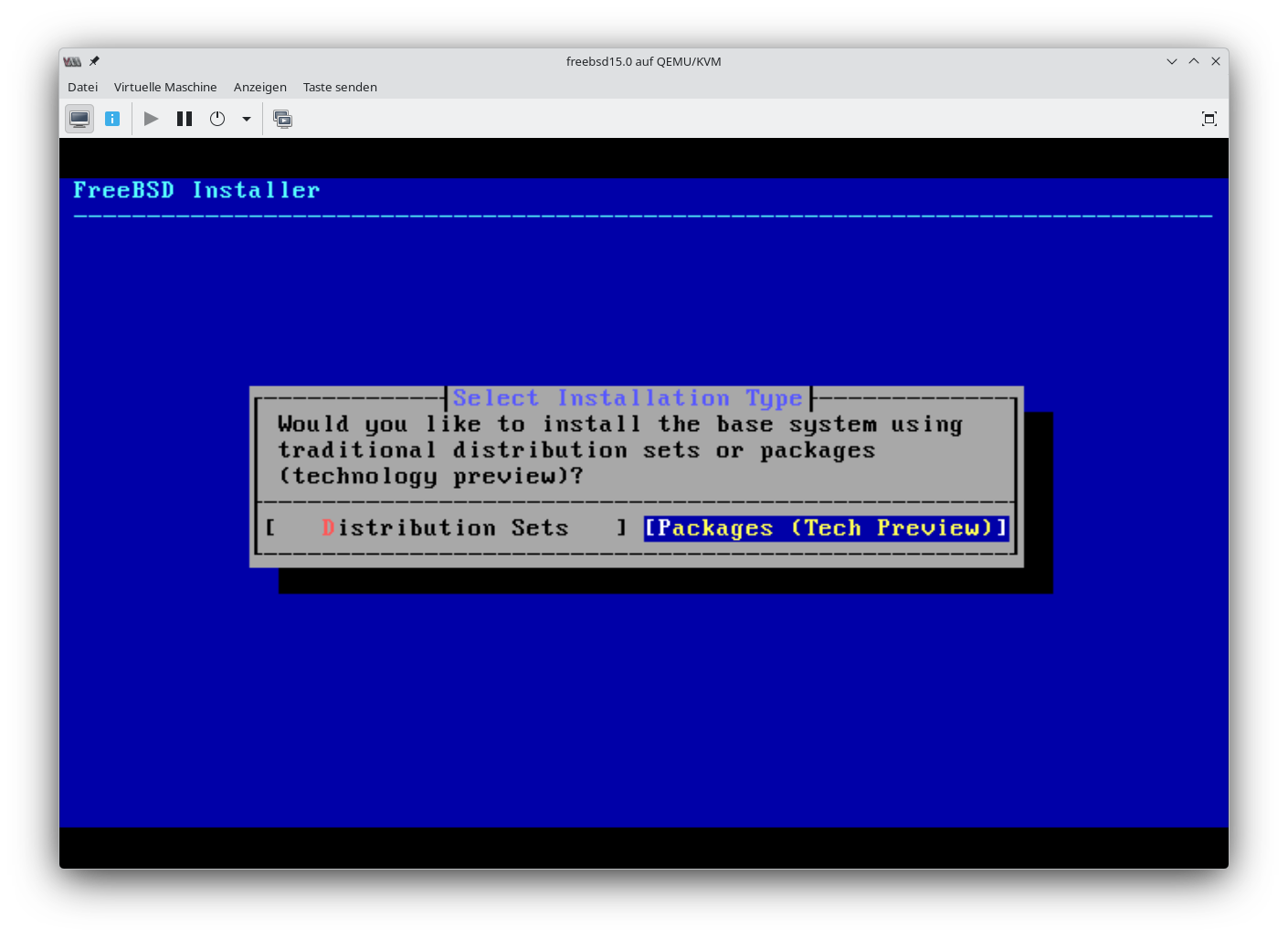
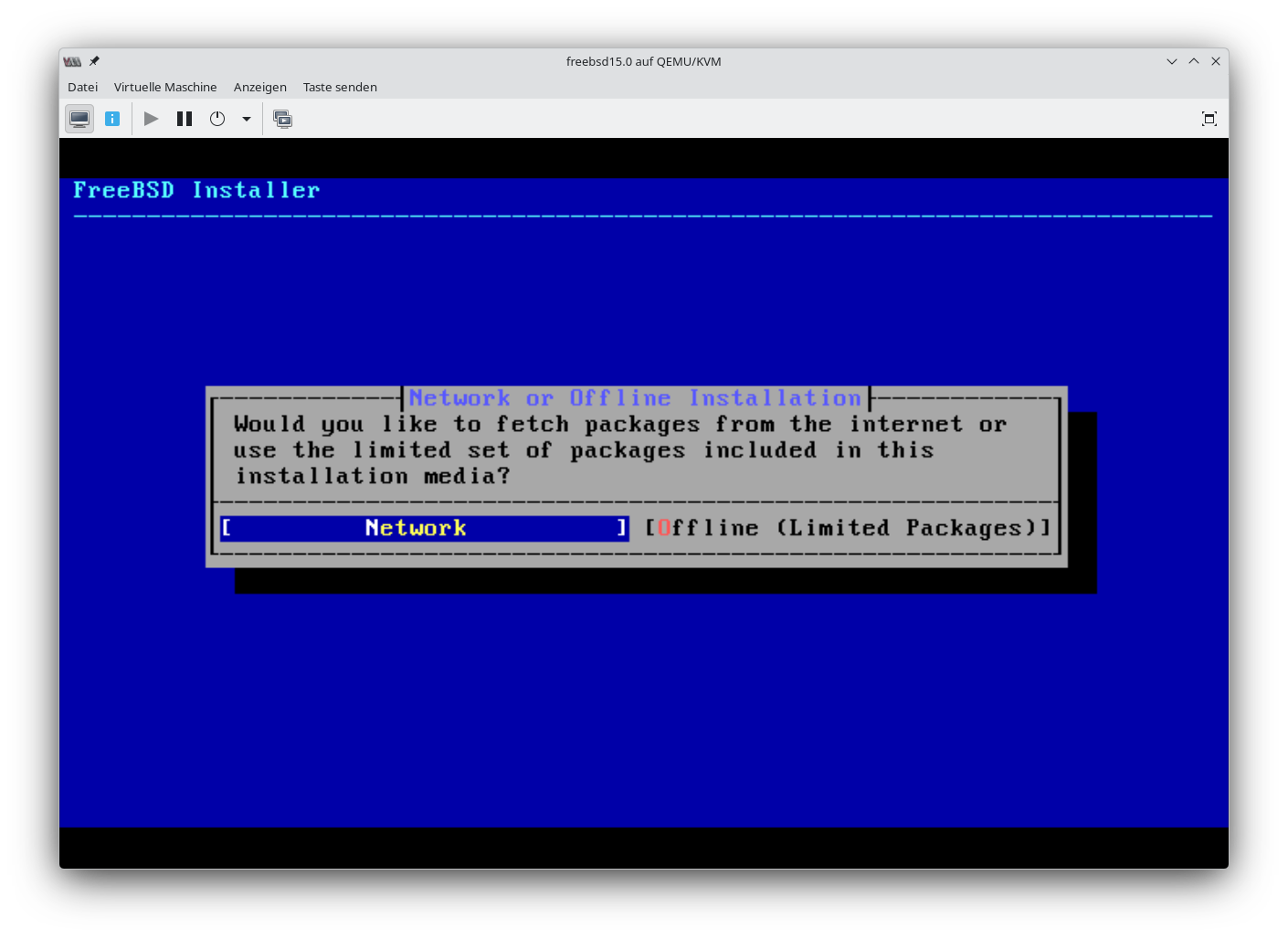
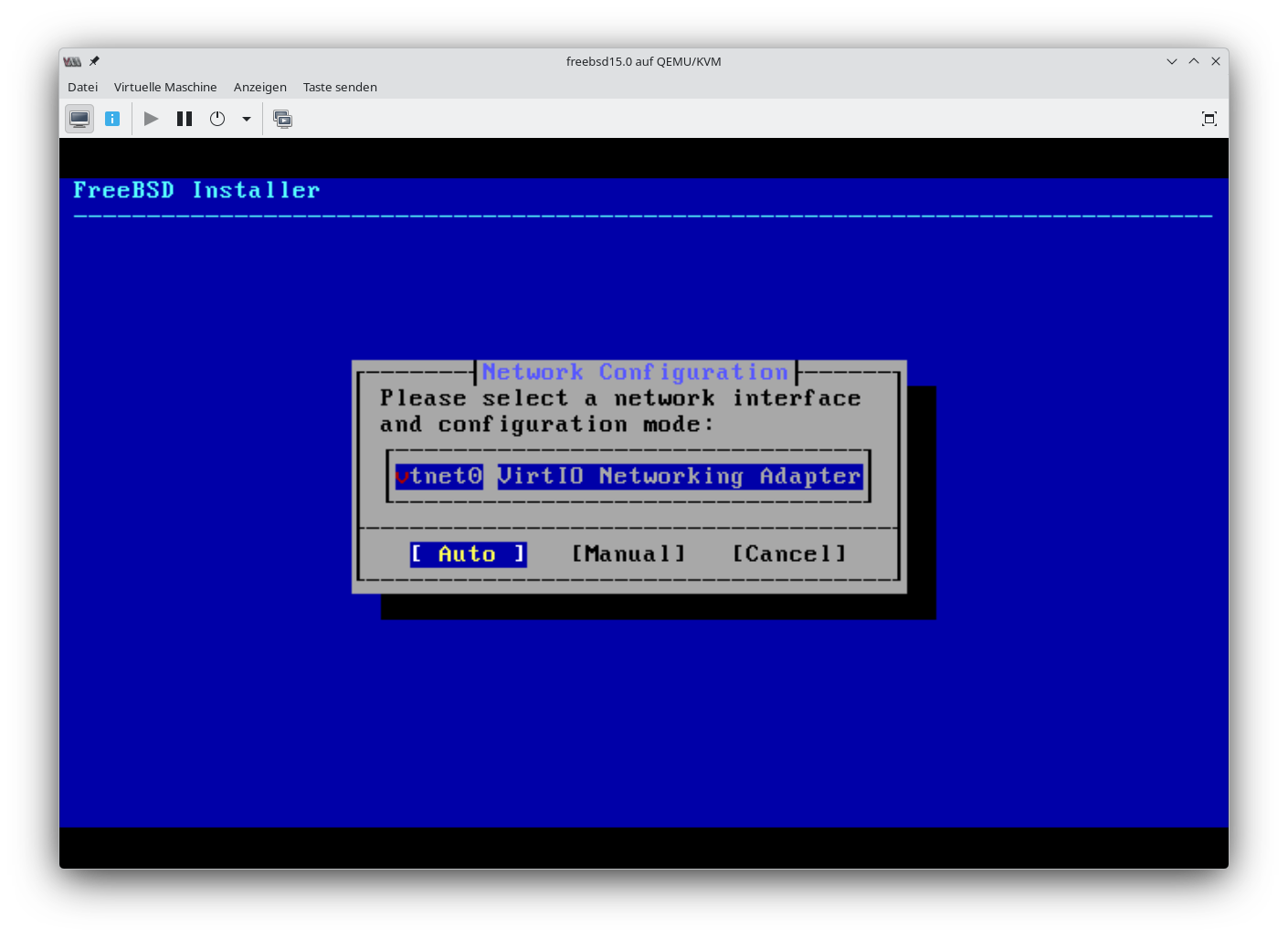
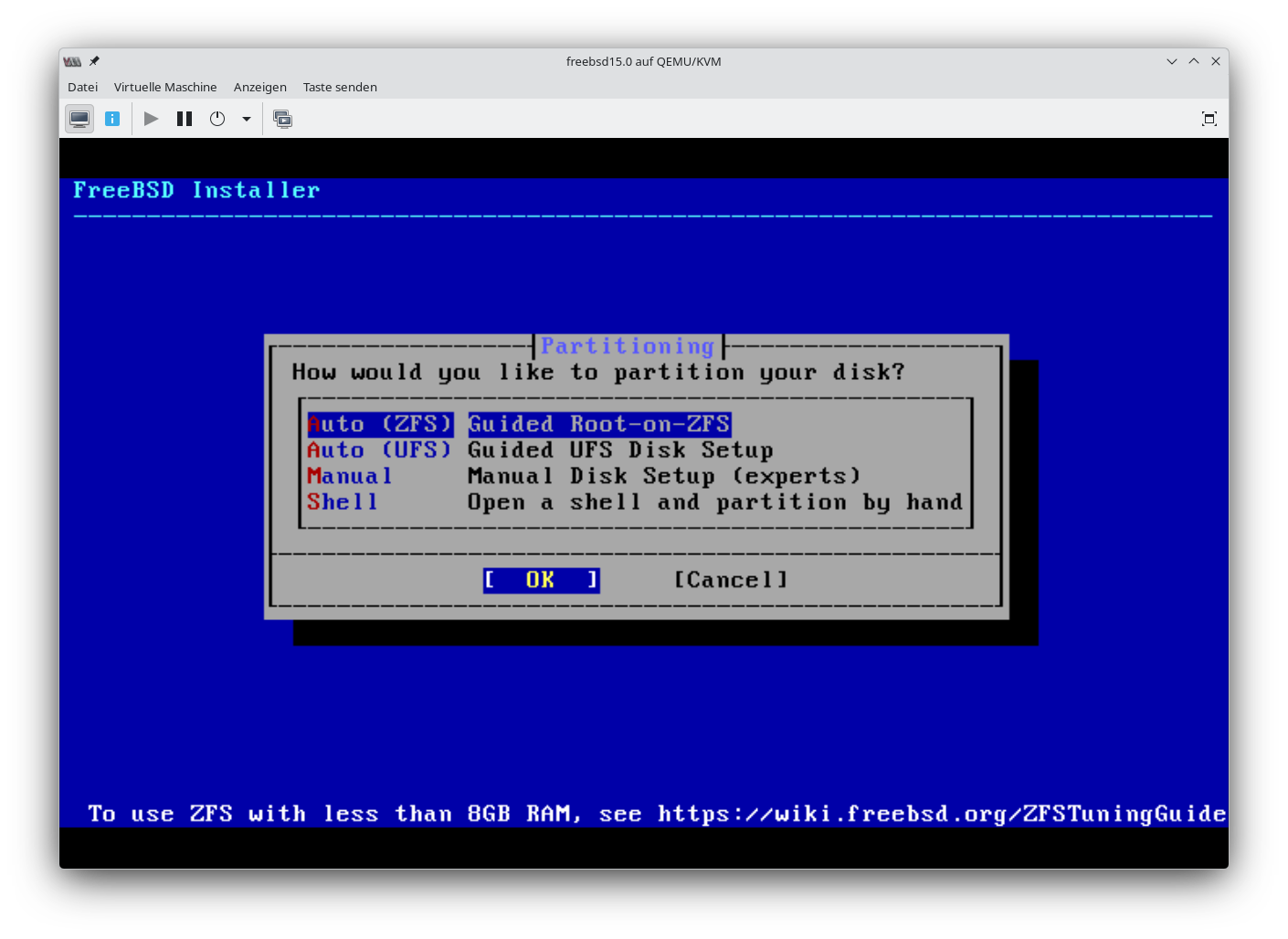
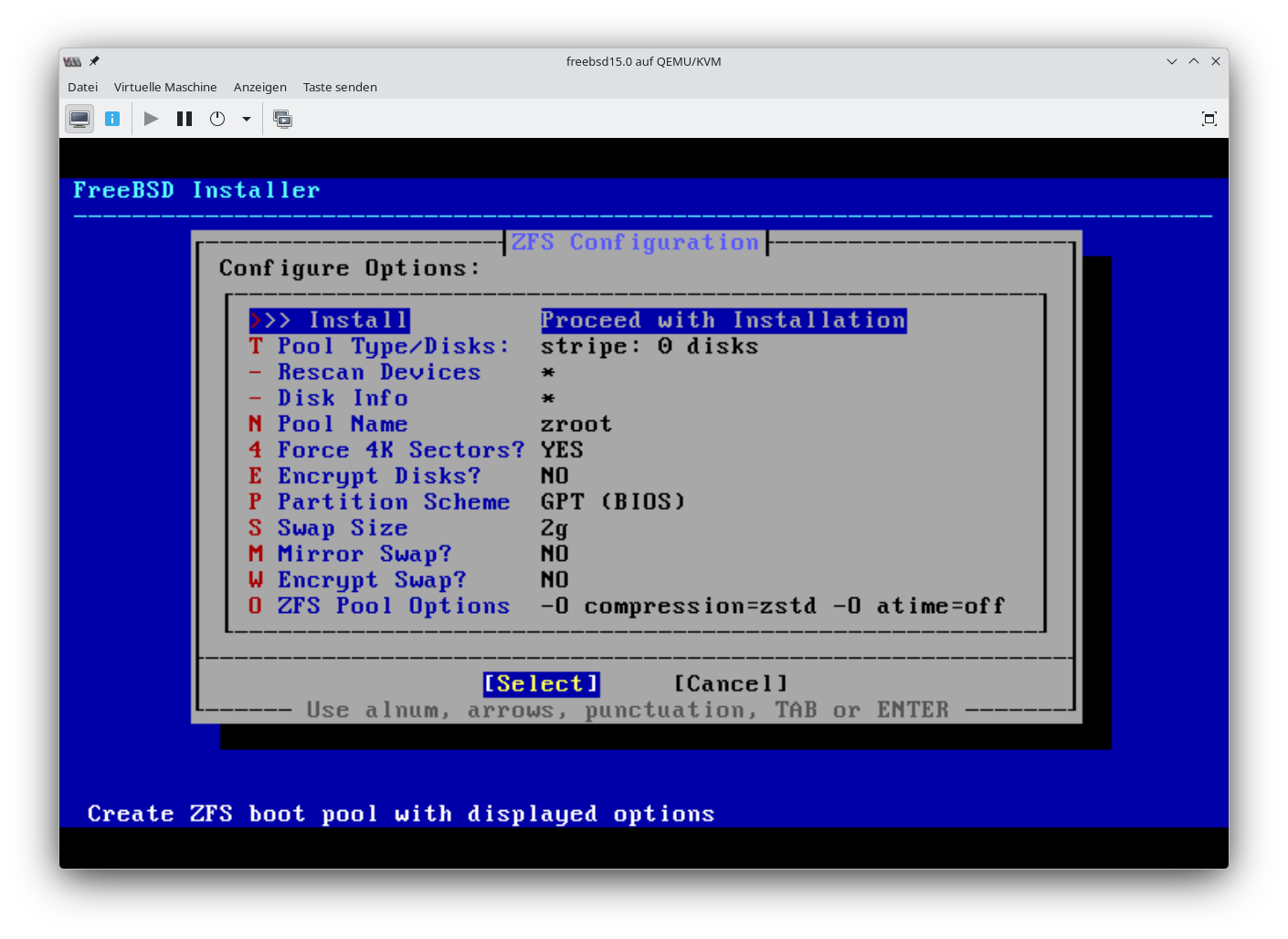
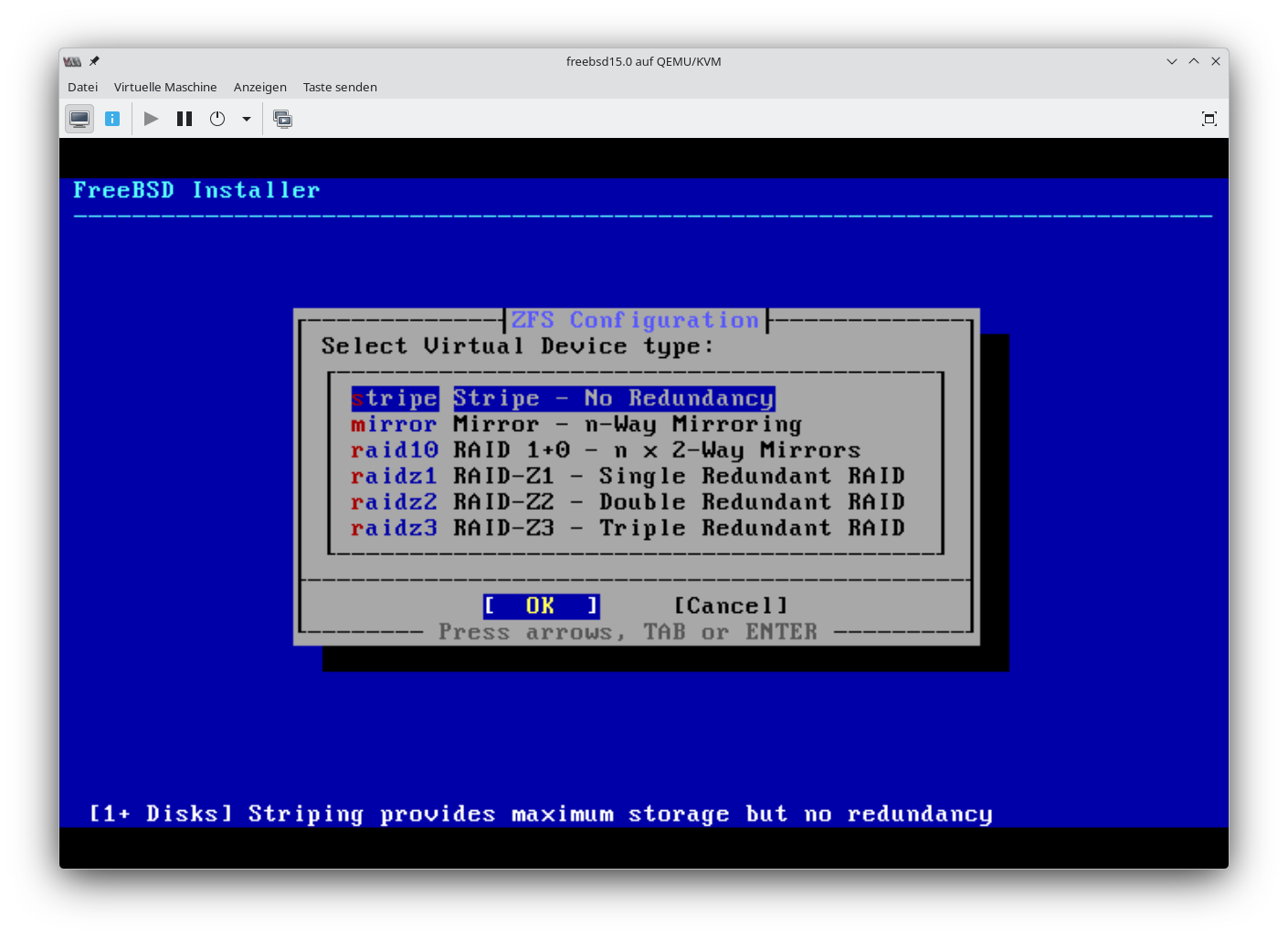
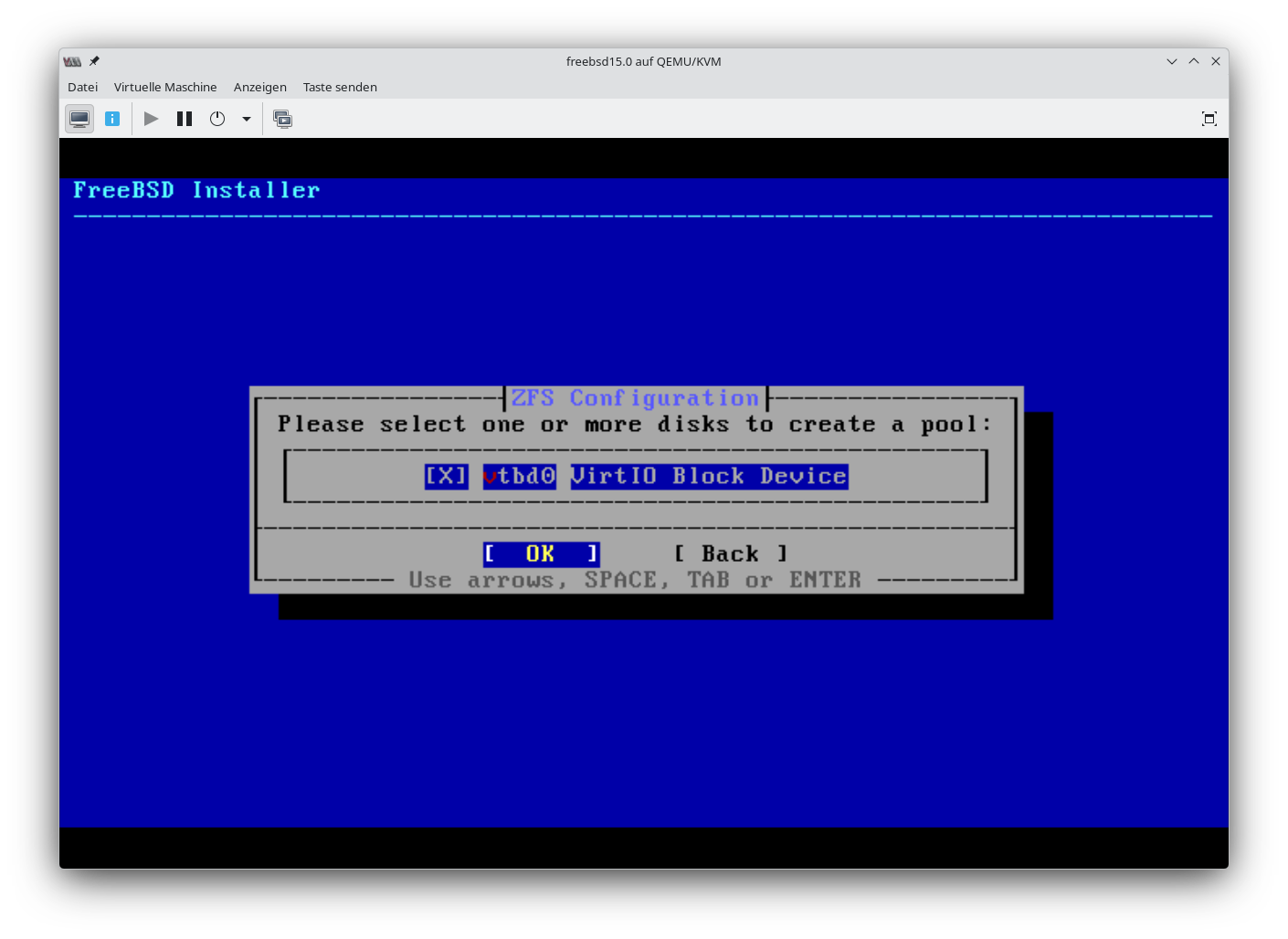
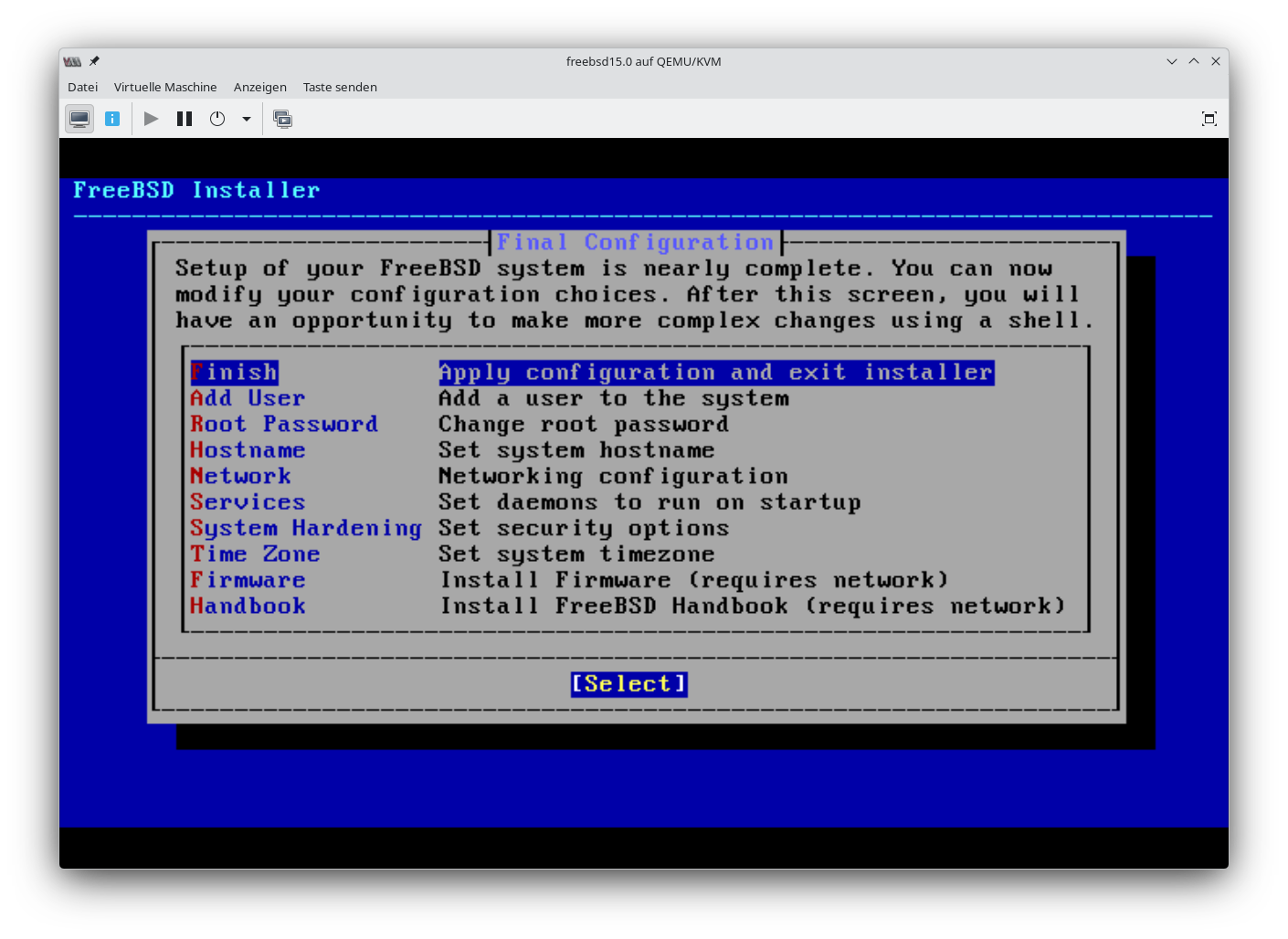
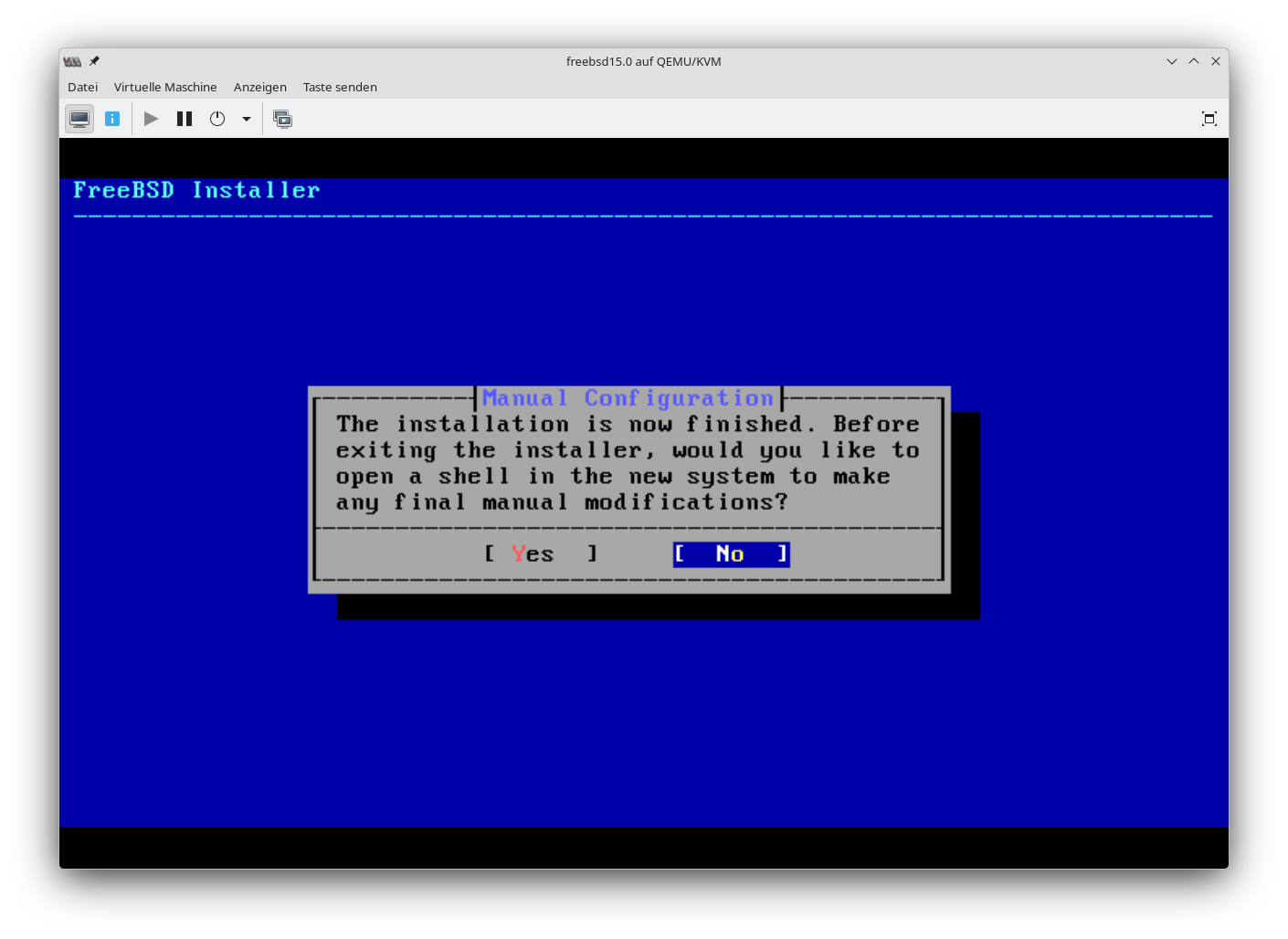
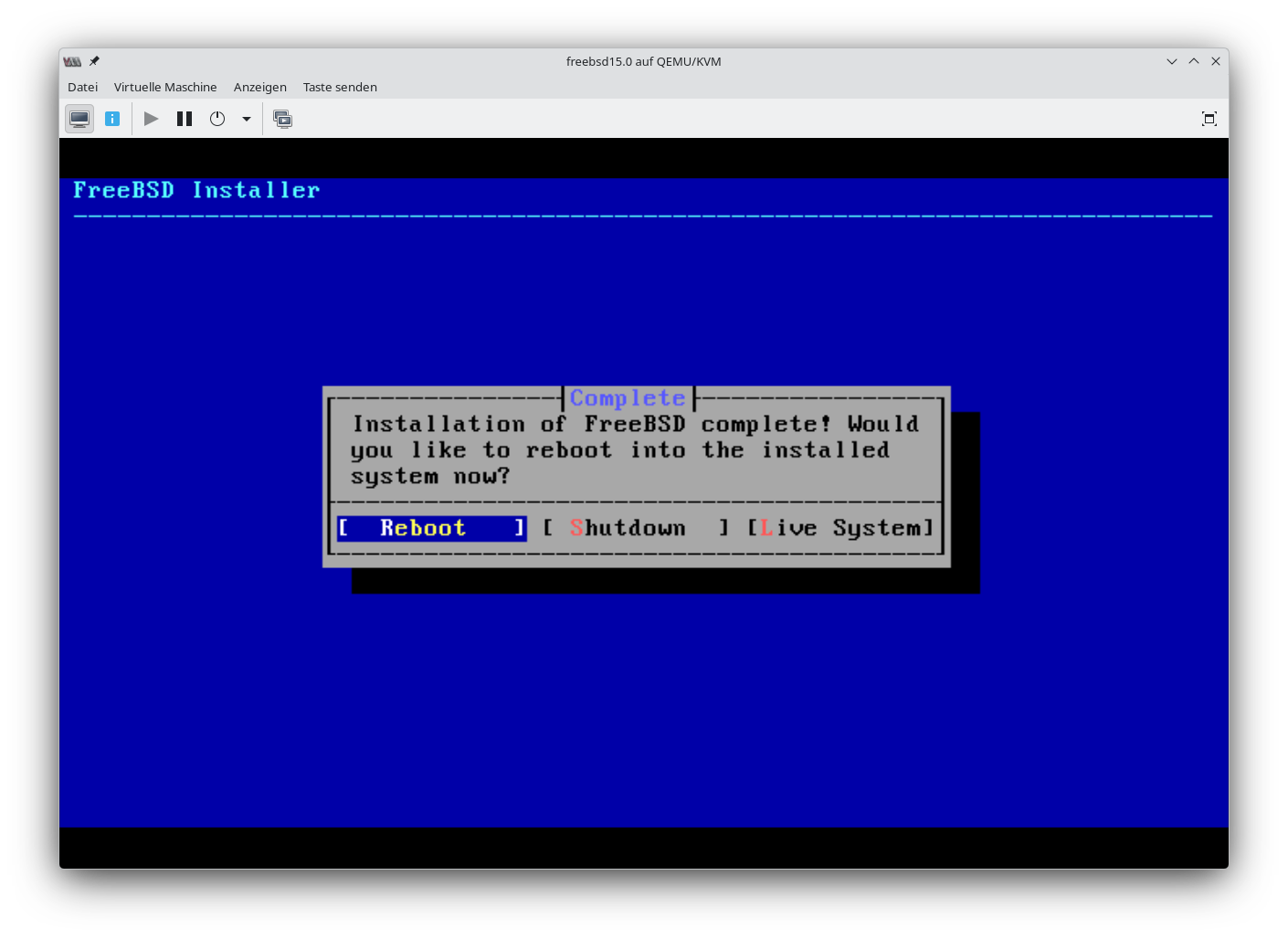
SSH-Key kopieren und SSHD_CONFIG anpassen
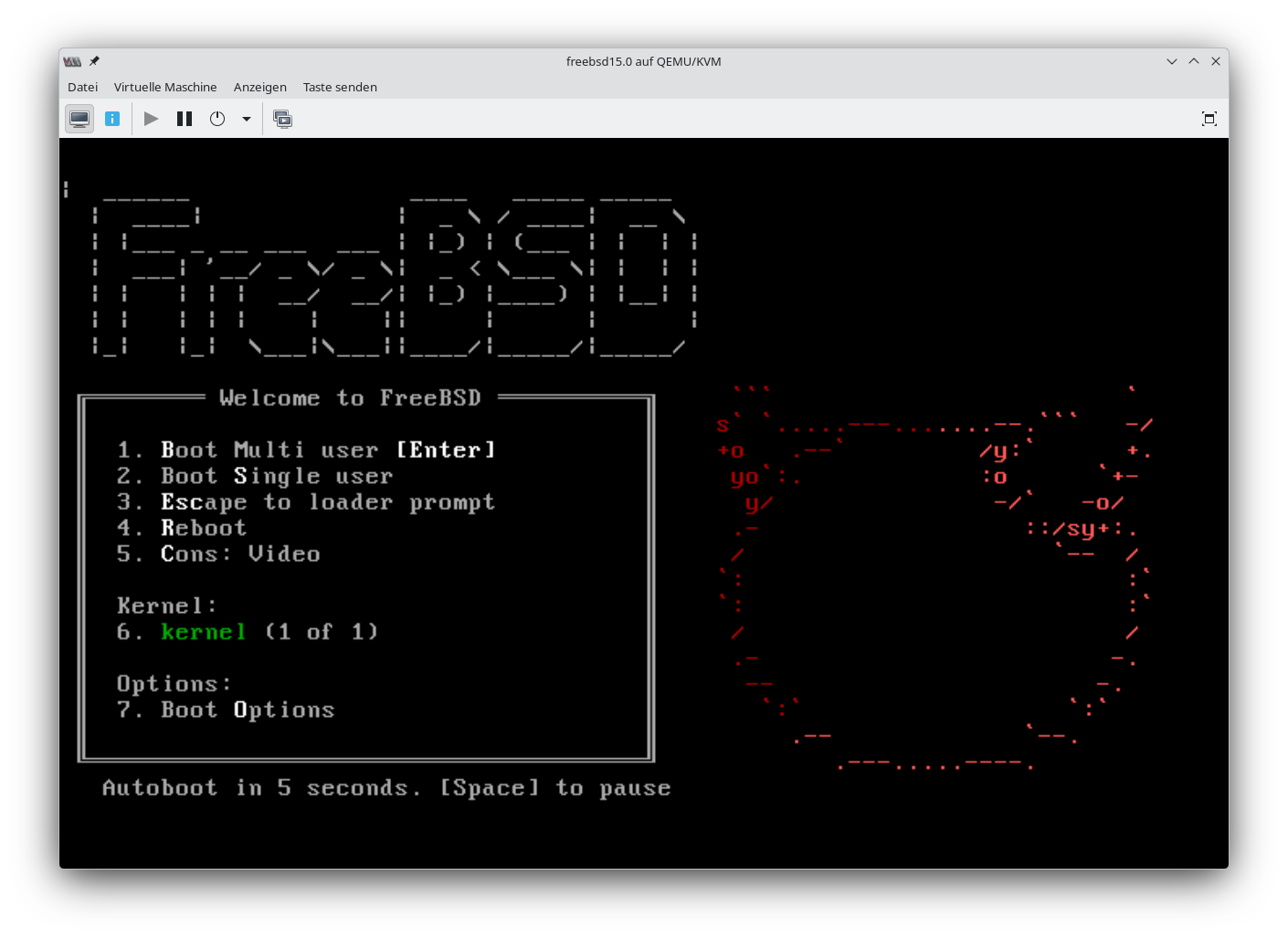
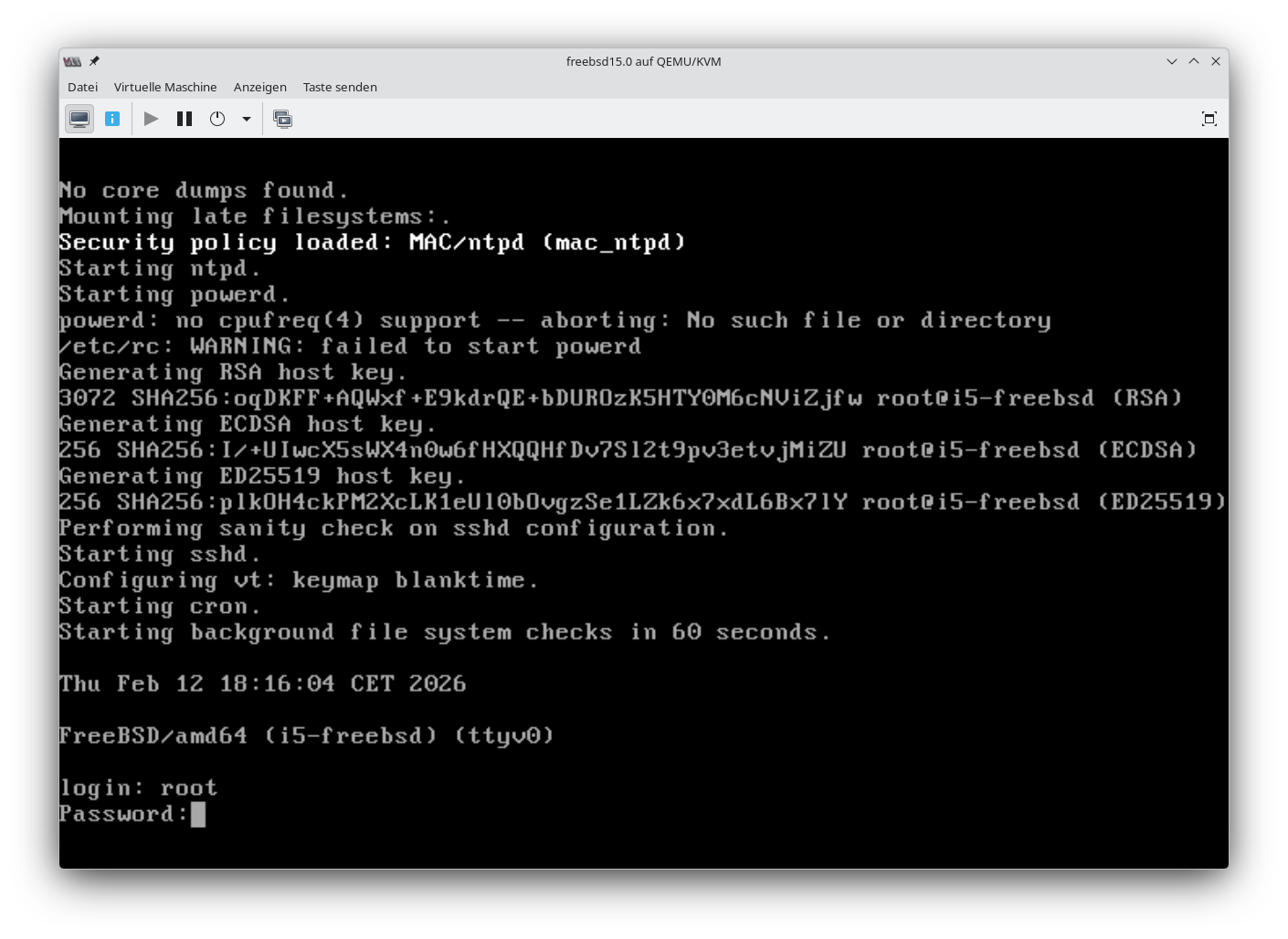
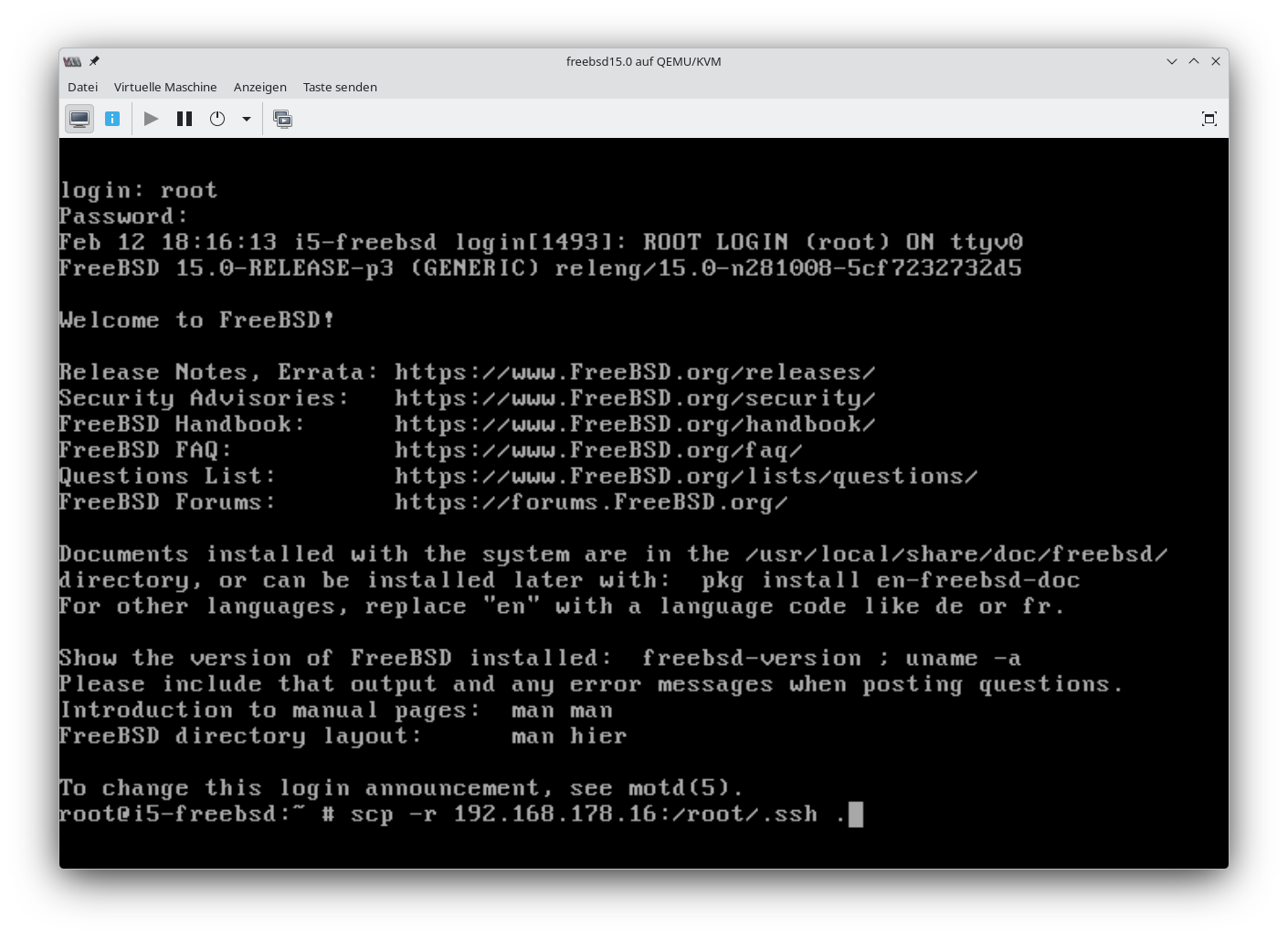
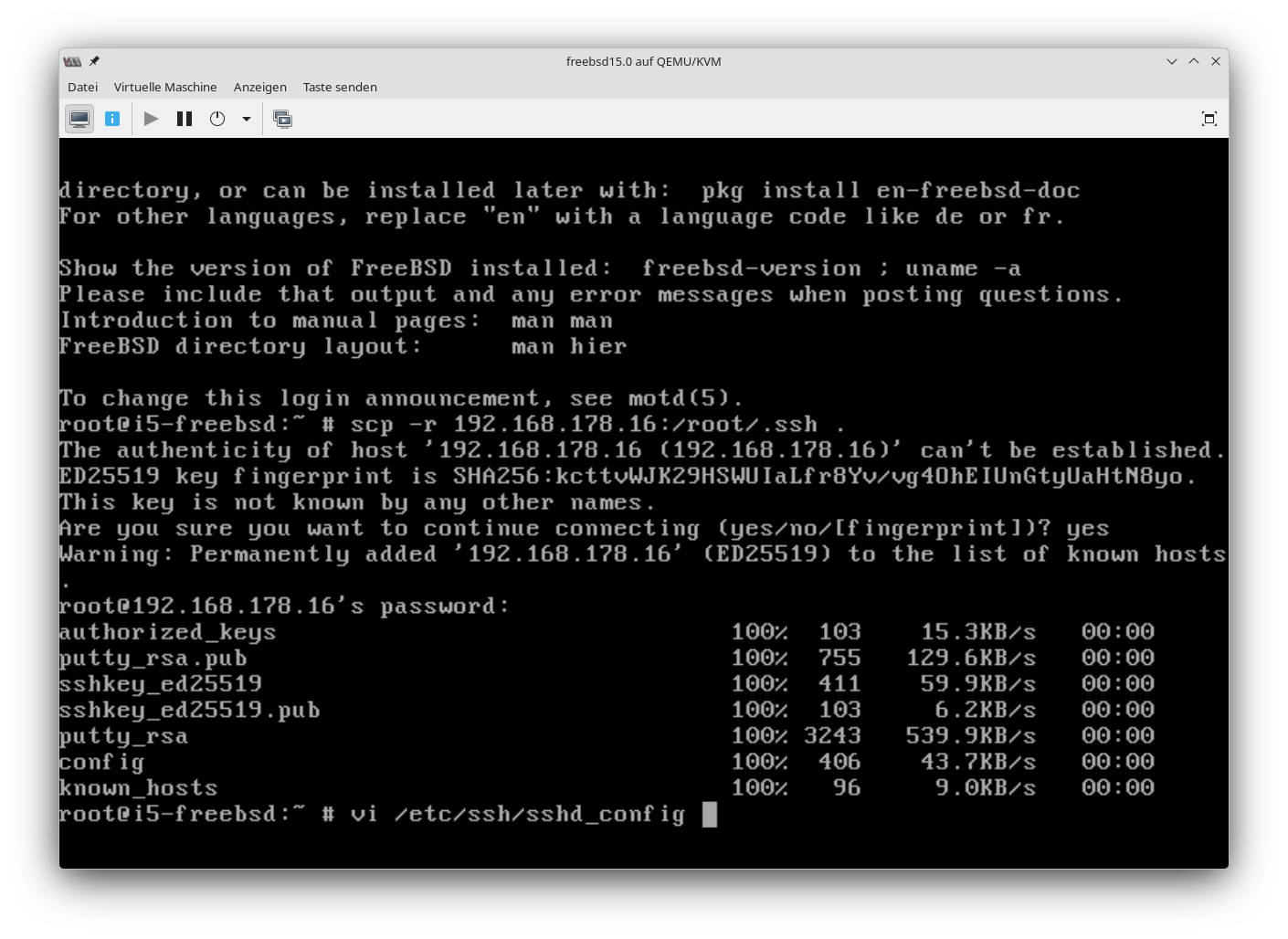
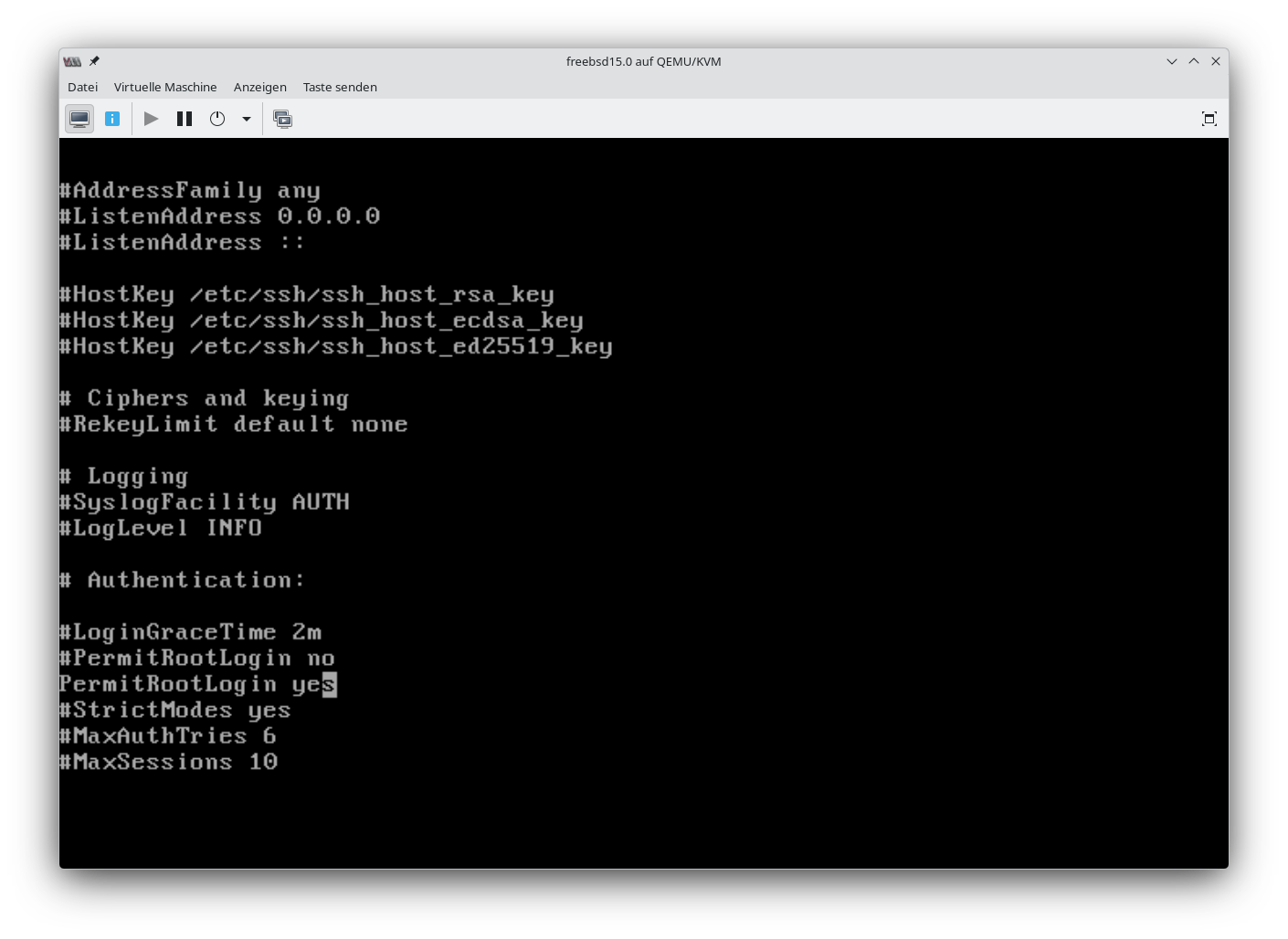
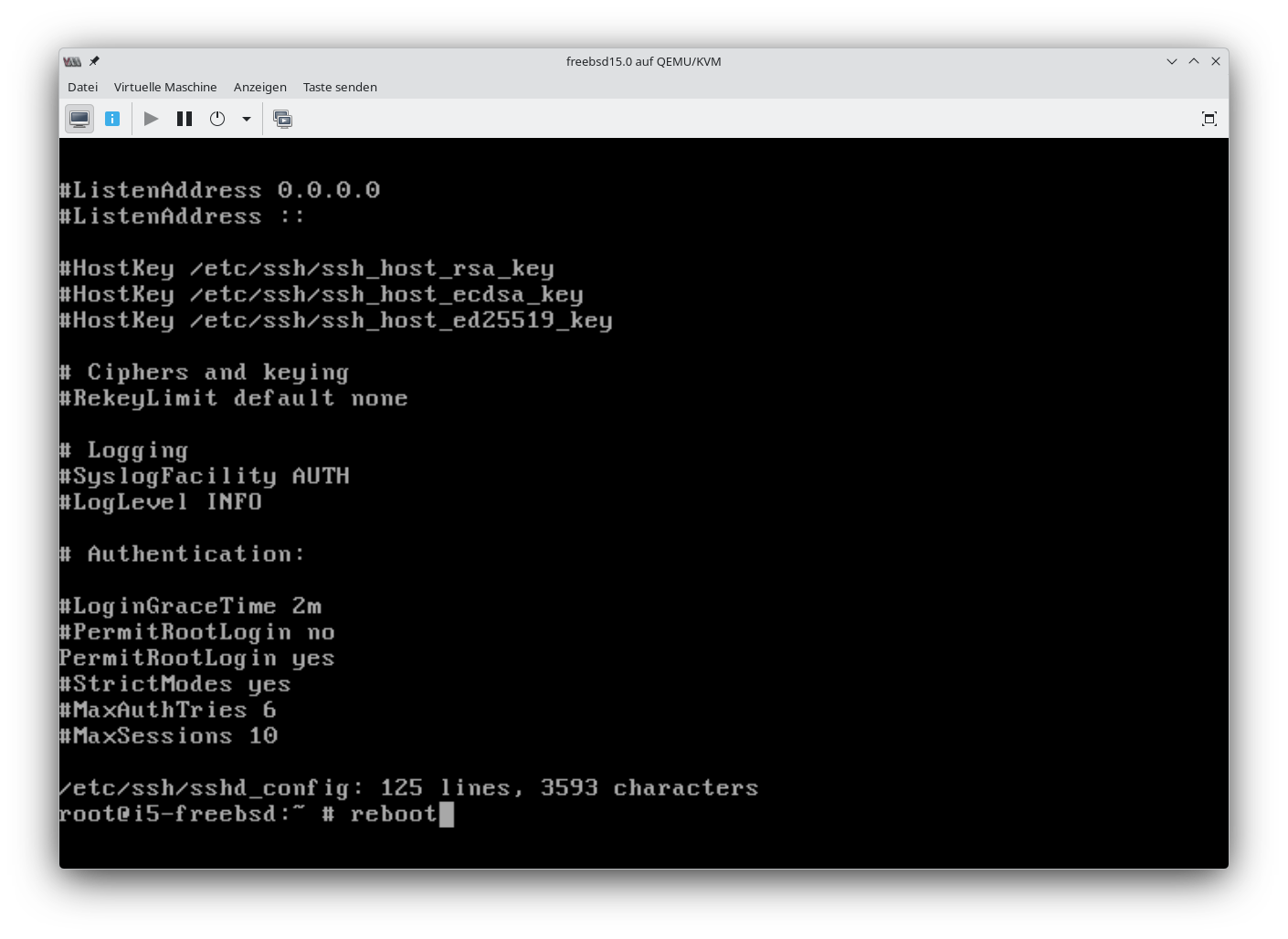
Danach reboot.
Erste Anpassungen
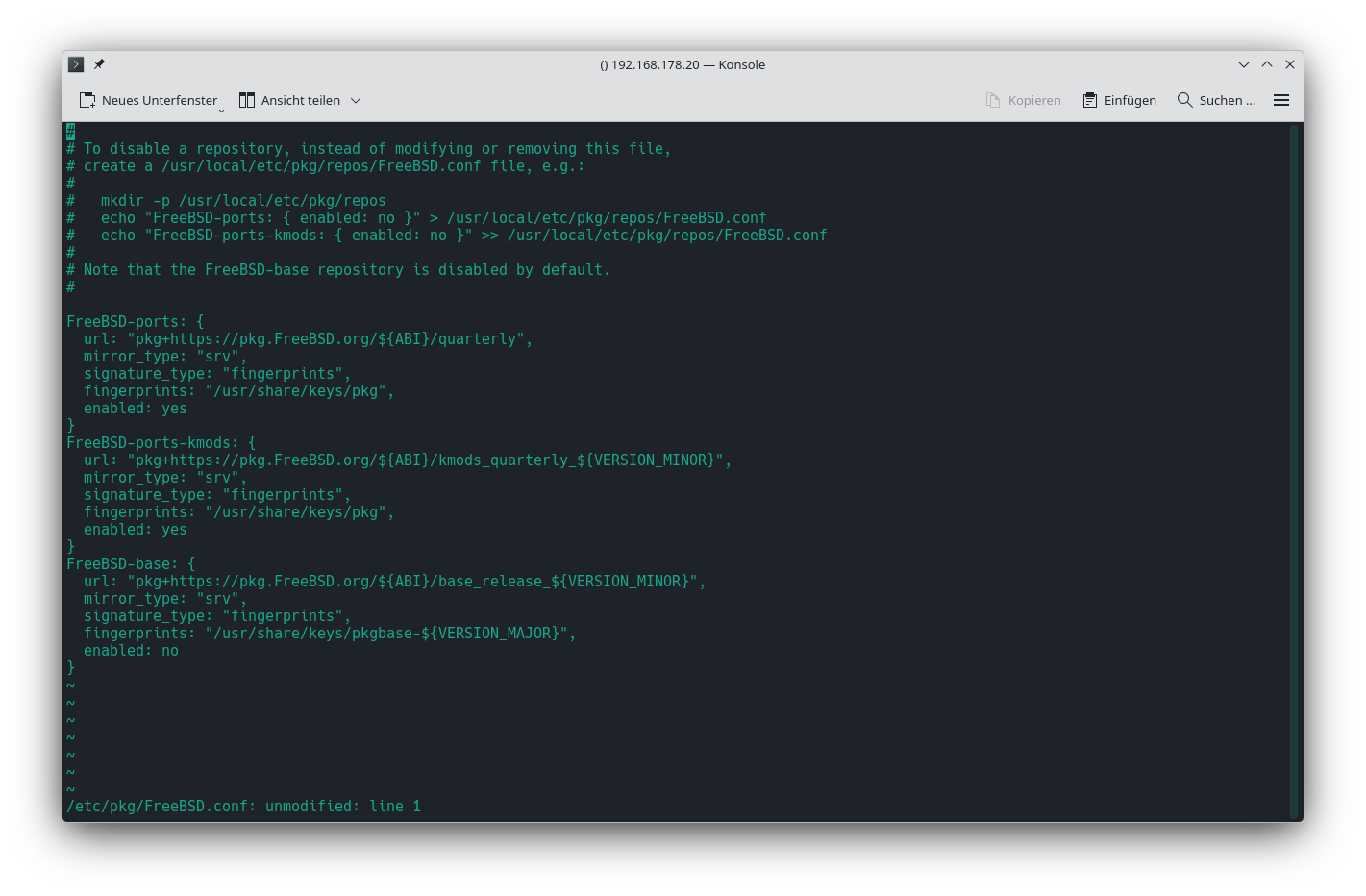
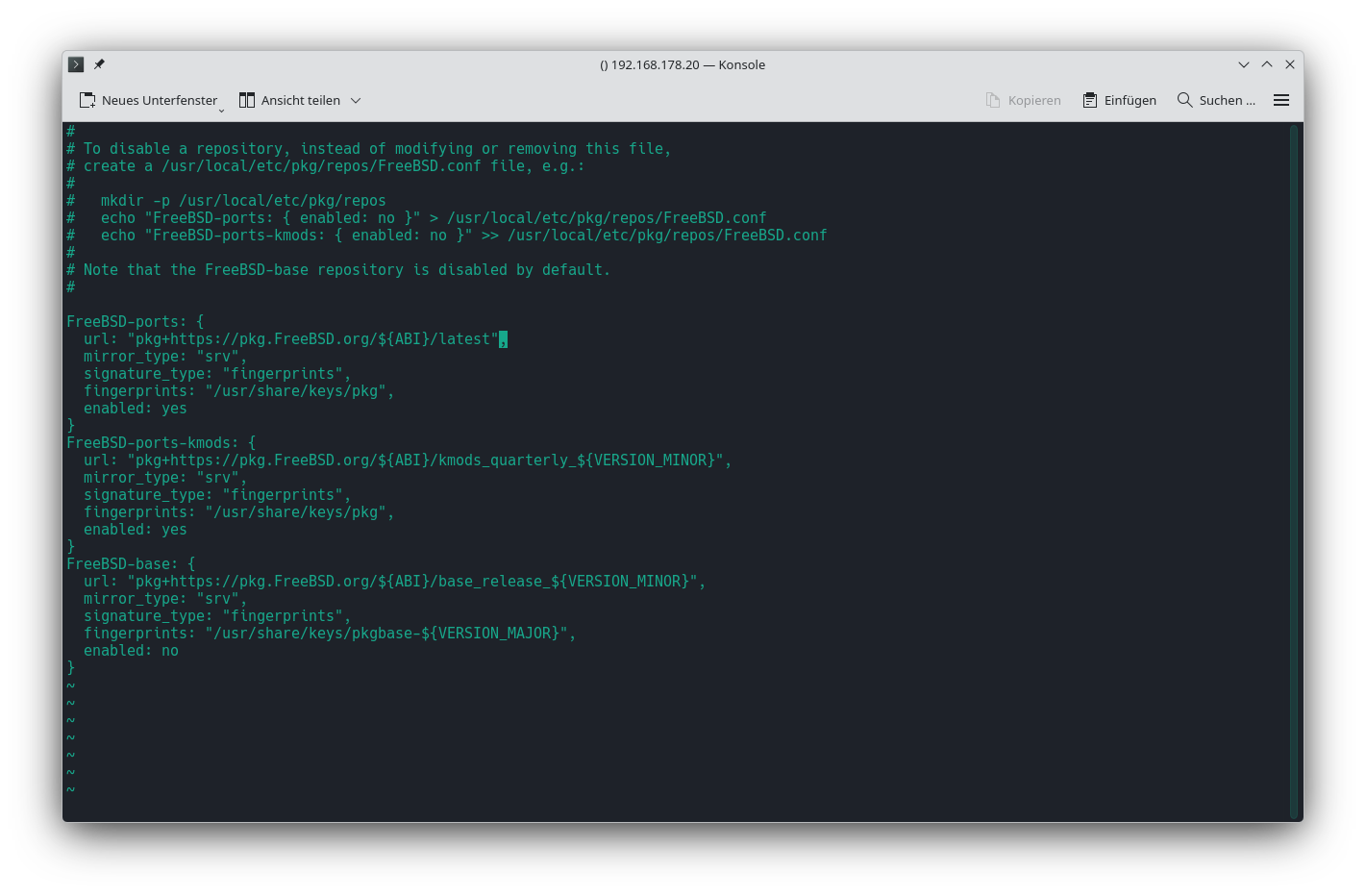
Paketverwaltung umstellen
Paketverwaltung von vierteljährlichen Updates auf Aktuell umstellen.
vi /etc/pkg/FreeBSD.conf
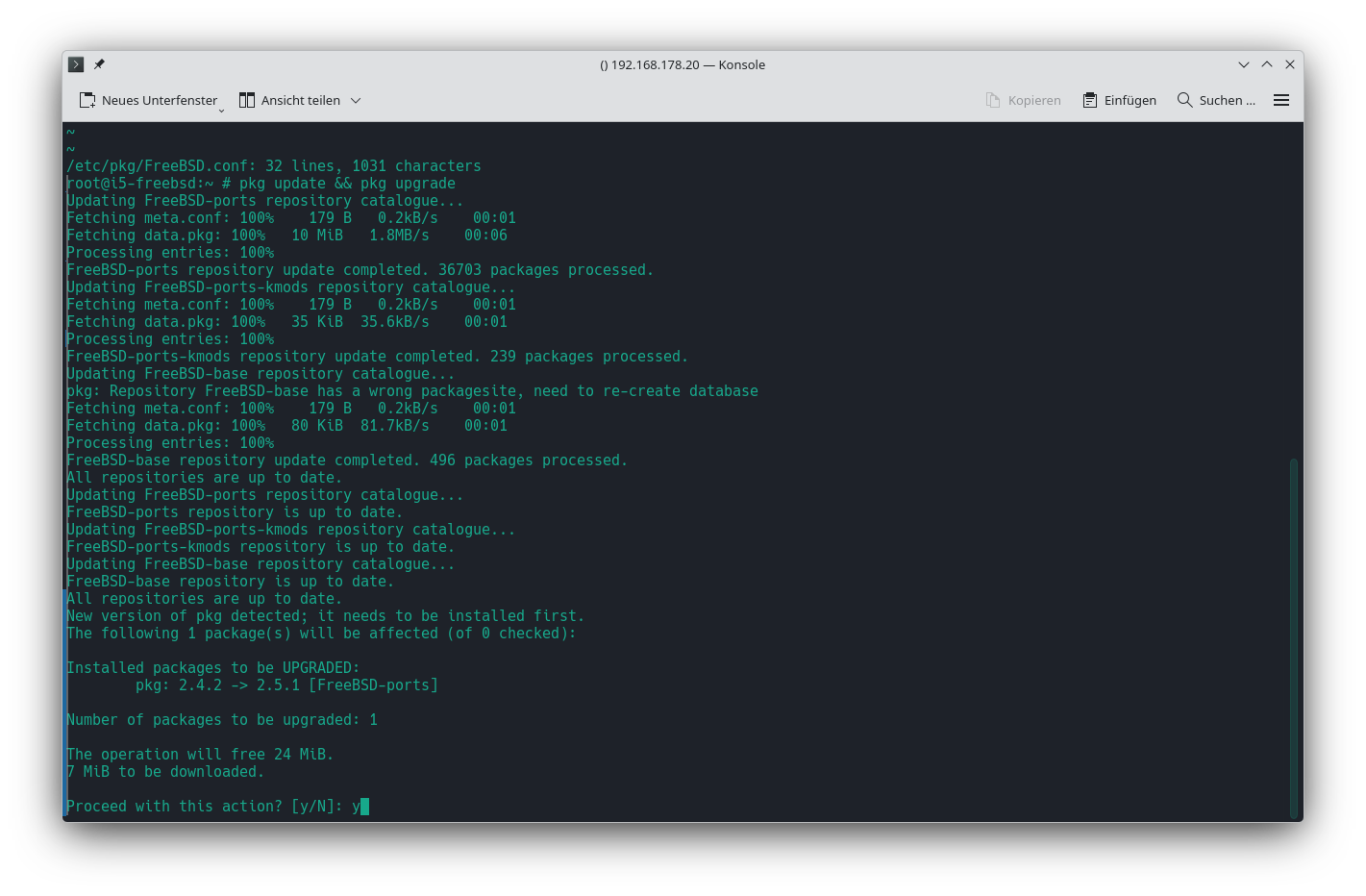
Danach die Repositories aktualisieren lassen.
pkg update && pkg upgrade
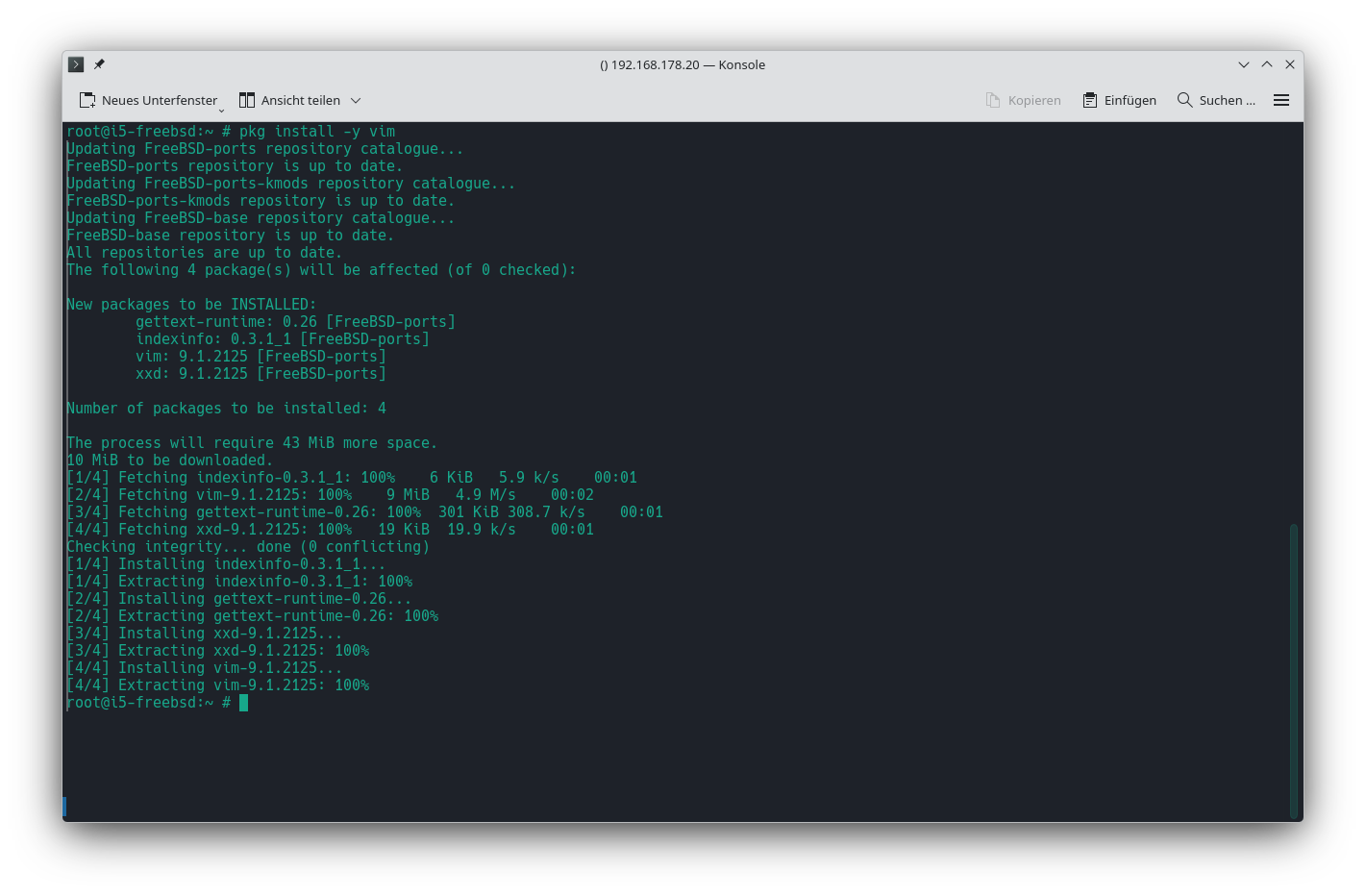
Installation vim
pkg install -y vim
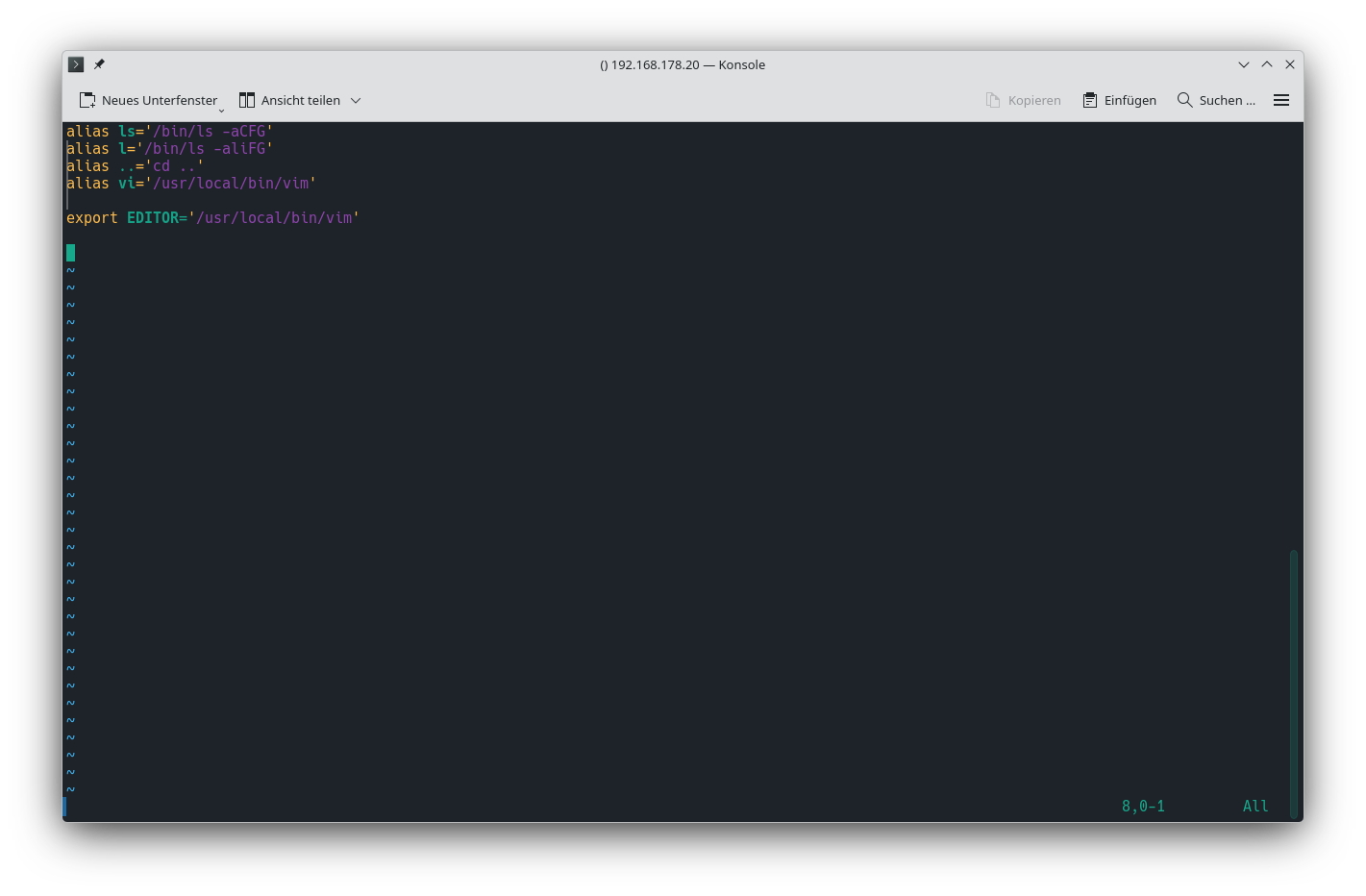
Aliasse und Environment
vim /etc/profile.d/local.sh
- local.sh
alias ls='/bin/ls -aCFG'
alias l='/bin/ls -aliFG'
alias ..='cd ..'
alias vi='/usr/local/bin/vim'

export EDITOR='/usr/local/bin/vim'
Neu einloggen, damit die Änderung im Profil verarbeitet werden.
ZFS-Pool auf die HDDs legen
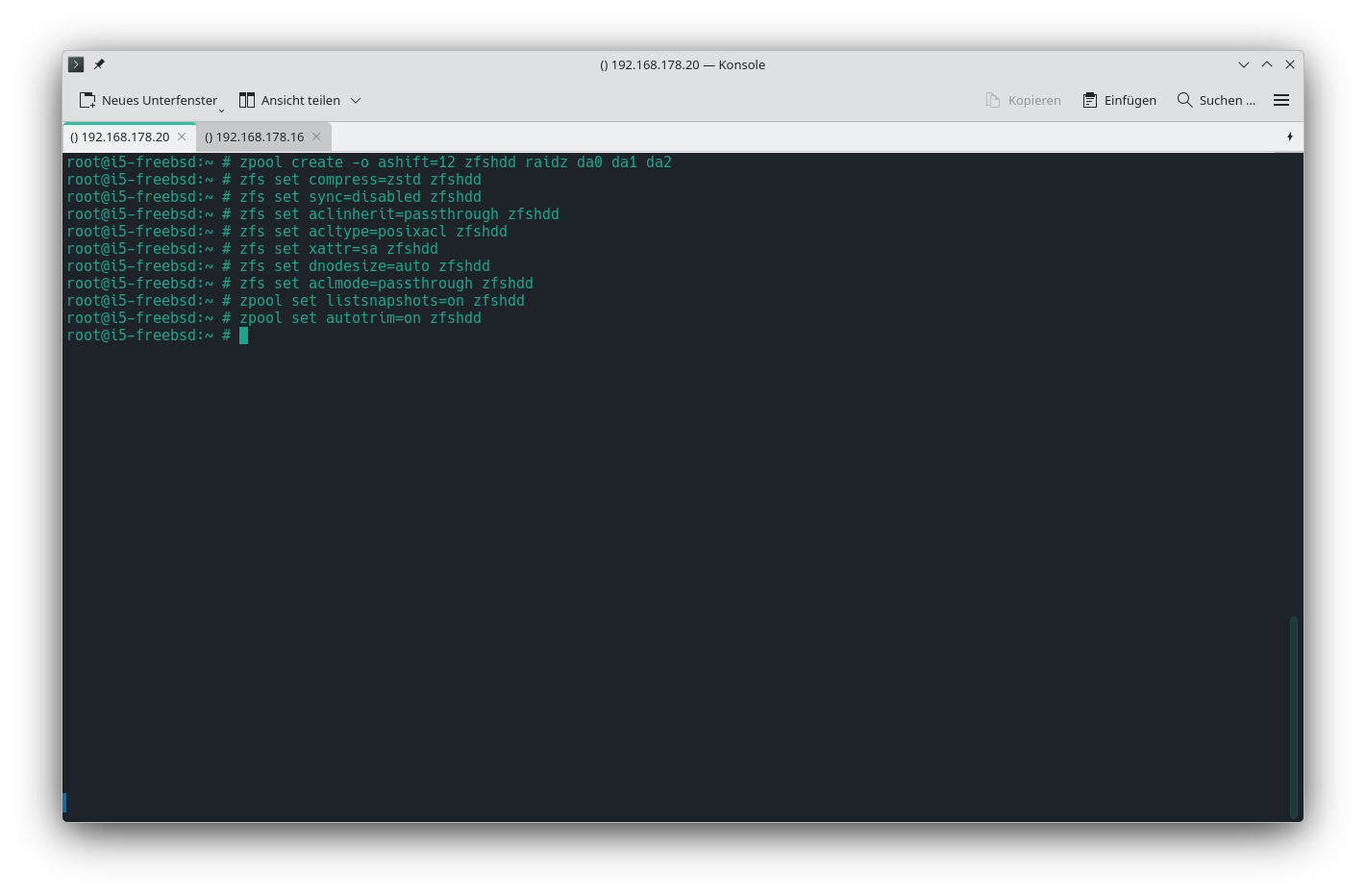
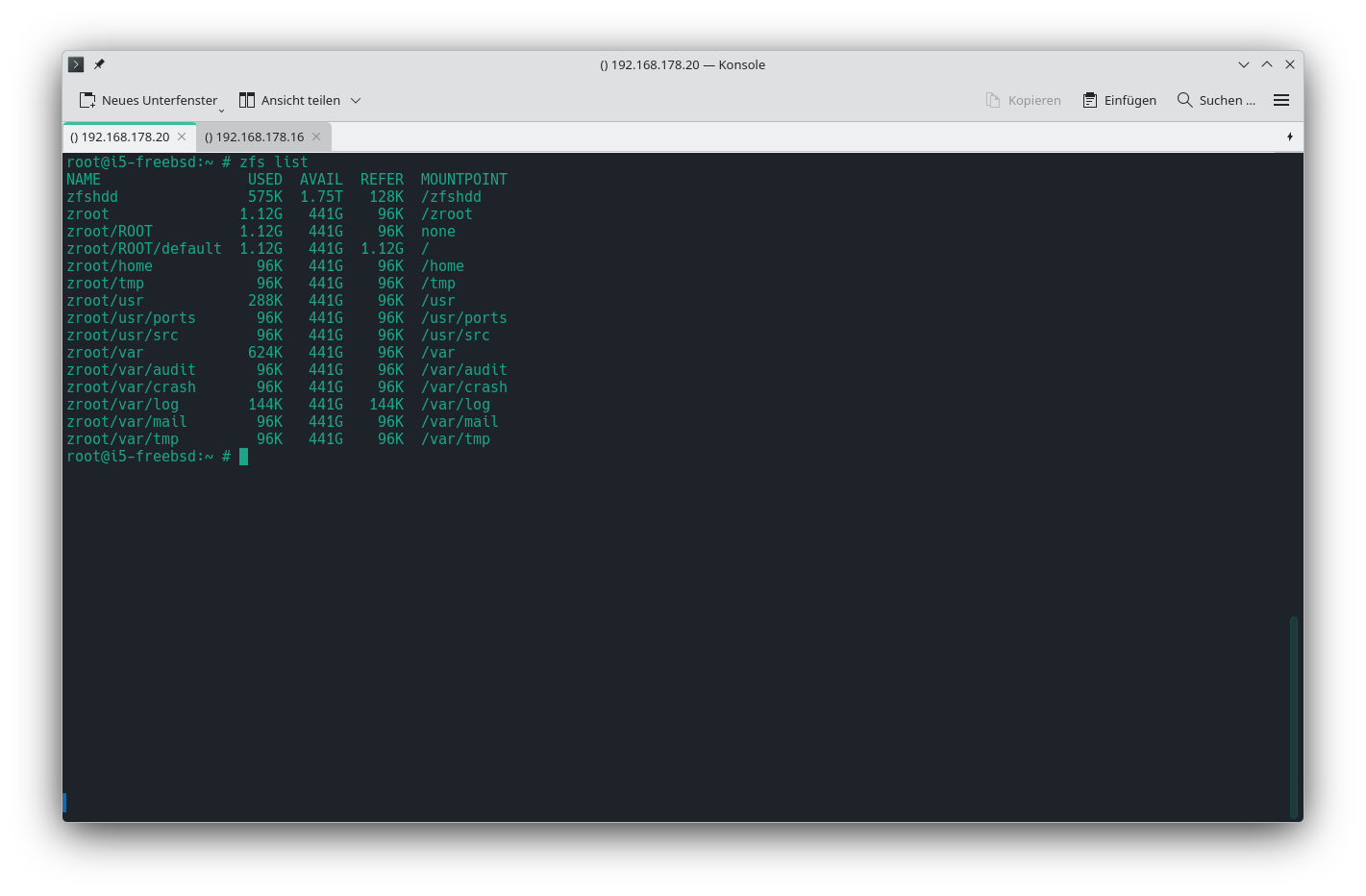
Bei BSD gibt es die Verzeichnisstruktur /dev/disk/by-id nicht wie in Linux. Die Festplatten werden mit ihren regulären Laufwerksbezeichnungen (hier da0, da1 und da2 angegeben.
zpool create -o ashift=12 zfshdd raidz da0 da1 da2
Danach div. Einstellungen für den Pool vornehmen.
zfs set compress=zstd zfshdd
zfs set sync=disabled zfshdd
zfs set aclinherit=passthrough zfshdd
zfs set acltype=posixacl zfshdd
zfs set xattr=sa zfshdd
zfs set dnodesize=auto zfshdd
zfs set aclmode=passthrough zfshdd
zpool set listsnapshots=on zfshdd
zpool set autotrim=on zfshdd
MariaDB
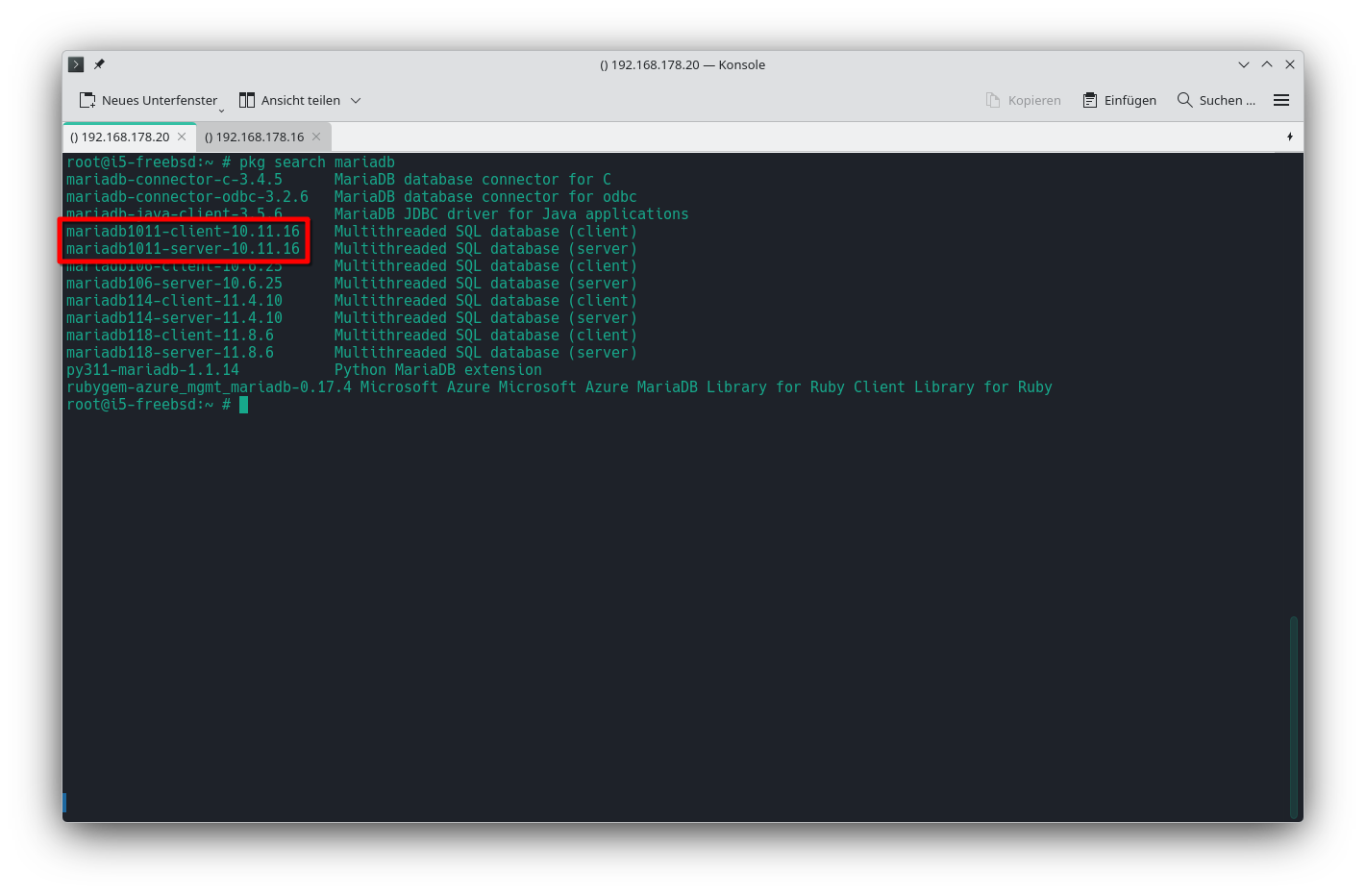
Installation
pkg install -y mariadb1011-server mariadb1011-client
Schlußmeldung nach der Installation
Message from galera26-26.4.25:
– Find the Galera Cluster documentation at https://galeracluster.com/library/documentation/index.html
Message from mariadb1011-client-10.11.16:
– MariaDB respects hier(7) and doesn't check /etc and /etc/mysql for my.cnf. Please move existing my.cnf files from those paths to /usr/local/etc/mysql or /usr/local/etc. Sample configuration files are provided in /usr/local/etc/mysql and /usr/local/etc/mysql/conf.d. The rc(8) script no longer uses /var/db/mysql/my.cnf for configuration nor /var/db/mysql for logs and PID-file.
This port does NOT include the mytop perl script, this is included in the MariaDB tarball but the most recent version can be found in the databases/mytop port
WSREPUsing wsrep clustering requires adding a configuration file. WSREPCopy /usr/local/etc/mysql/conf.d/wsrep.cnf.sample to WSREP/usr/local/etc/mysql/conf.d/wsrep.cnf and change what you need there.
Message from mariadb1011-server-10.11.16:
– MariaDB respects hier(7) and doesn't check /etc and /etc/mysql for my.cnf. Please move existing my.cnf files from those paths to /usr/local/etc/mysql or /usr/local/etc. Sample configuration files are provided in /usr/local/etc/mysql and /usr/local/etc/mysql/conf.d. The rc(8) script no longer uses /var/db/mysql/my.cnf for configuration nor /var/db/mysql for logs and PID-file.
This port does NOT include the mytop perl script, this is included in the MariaDB tarball but the most recent version can be found in the databases/mytop port
Using wsrep clustering requires adding a configuration file. Copy /usr/local/etc/mysql/conf.d/wsrep.cnf.sample to /usr/local/etc/mysql/conf.d/wsrep.cnf and change what you need there.
dd dd dd
ZFS-Dataset für die Daten
dd dd dd